70
Sound Memo Panel
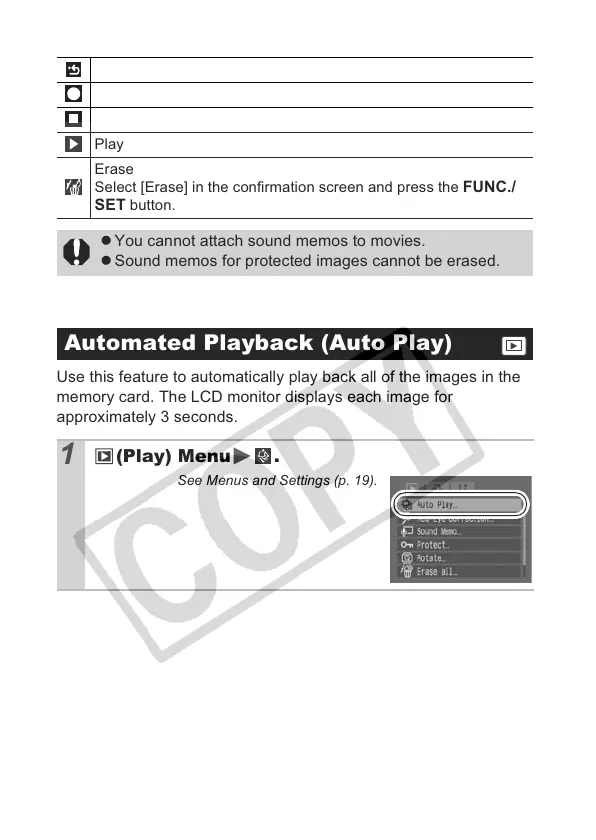
Use this feature to automatically play back all of the images in the
memory card. The LCD monitor displays each image for
approximately 3 seconds.
Exit
Record
Pause
Play
Erase
Select [Erase] in the confirmation screen and press the
FUNC./
SET
button.
z You cannot attach sound memos to movies.
z Sound memos for protected images cannot be erased.
Automated Playback (Auto Play)
1
(Play) Menu .
See Menus and Settings (p. 19).


 To Next Page
 Loading...