53
Shooting
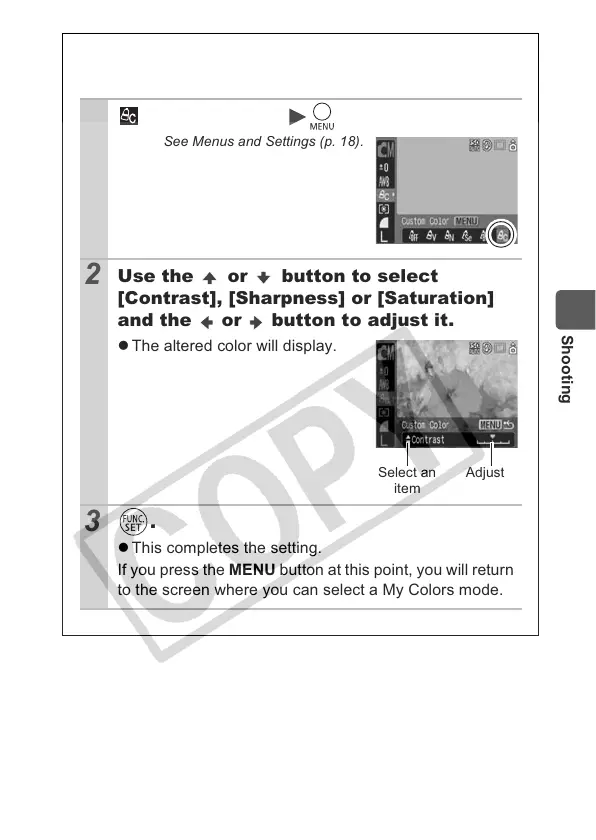
Setting the Camera to a Custom Color
Mode
1
(Custom Color) .
See Menus and Settings (p. 18).
2
Use the or button to select
[Contrast], [Sharpness] or [Saturation]
and the or button to adjust it.
z The altered color will display.
3
.
z This completes the setting.
If you press the MENU button at this point, you will return
to the screen where you can select a My Colors mode.
Select an
item
Adjust


 To Next Page
 Loading...