47
Shooting
To Cancel the Exposure Compensation
Follow Step 2 to restore the compensation value to [0].
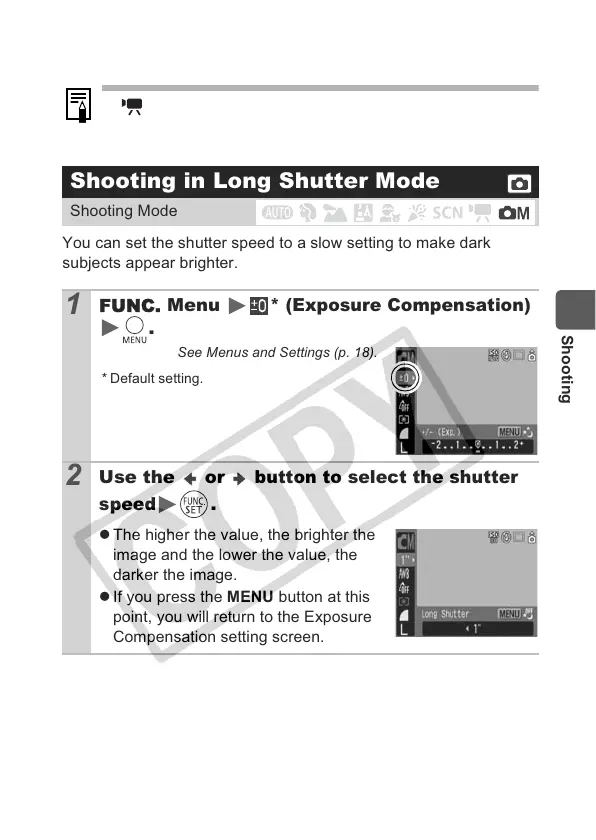
You can set the shutter speed to a slow setting to make dark
subjects appear brighter.
In mode, the exposure shift can be set/canceled (p. 38).
Shooting in Long Shutter Mode
Shooting Mode
1
Menu *
(Exposure Compensation)
.
See Menus and Settings (p. 18).
* Default setting.
2
Use the or
button to select the shutter
speed
.
z The higher the value, the brighter the
image and the lower the value, the
darker the image.
z If you press the MENU button at this
point, you will return to the Exposure
Compensation setting screen.


 To Next Page
 Loading...