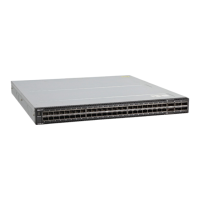
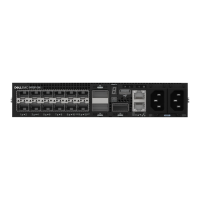
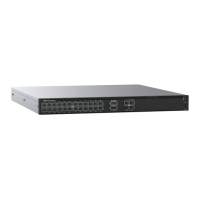
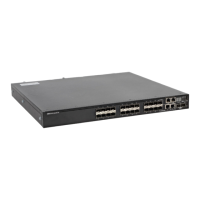
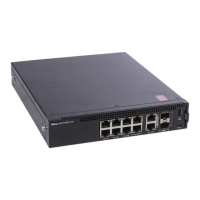
Unpack
NOTE: Before unpacking the switch, inspect the container and immediately report
any evidence of damage.
NOTE: For the S5212F-ON and S5296F-ON switches only: the USB extension
cable is packaged separately. Do not throw it away.
When unpacking the switch, ensure that the following items are included:
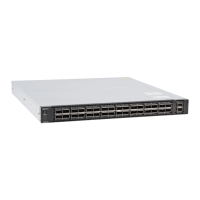
• One S5200F-ON Series switch
• Two sets of rail kits, no tools needed
• One RJ-45 to DB-9 female cable
• S5232F-ON, S5248F-ON, S5296F-ON, and S5224F-ON: Ground lug kit
• S5232F-ON, S5248F-ON, S5296F-ON, and S5224F-ON: Two hot-swappable PSUs
• S5232F-ON, S5248F-ON, S5296F-ON, and S5224F-ON: Four hot-swappable fan units
• S5212F-ON: Two xed PSUs
• S5212F-ON: one USB extension cable; male to female
• S5212F-ON: Two xed fan units
• S5296F-ON: one USB extension cable; male to female
• Two country- and region-specic AC power cables
• S5200F-ON Series Set-up Guide
• Safety and Regulatory Information
• Warranty and Support Information
1 Place the container on a clean, at surface and cut all straps securing the container.
2 Open the container, or remove the container top.
3 Carefully remove the switch from the container and place it on a secure and clean
surface.
4 Remove all packing material.
5 Inspect the product and accessories for damage.
12
S5200F-ON Series switch Installation


 To Next Page
 Loading...