About this task
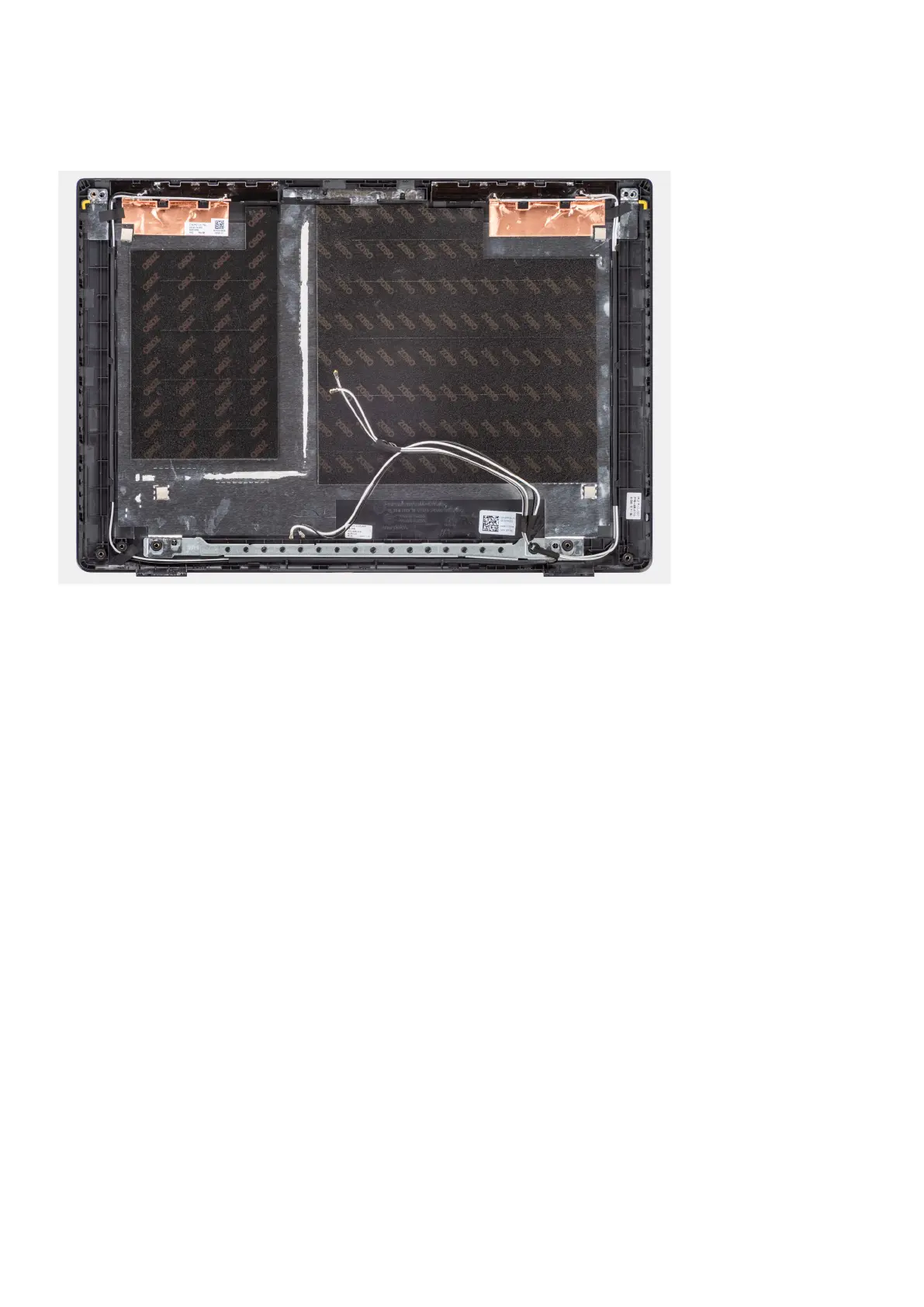
The following image indicates the location of the display back-cover and provides a visual representation of the installation
procedure.
Steps
After performing the succeeding steps, you are left with the base cover assembly.
Next steps
1. Install the display cable.
2. Install the camera.
3. Install the display panel.
4. Install the display bezel.
5. Install the display assembly.
6. Install the I/O board cable.
7. Install the WWAN card for 4G LTE enabled systems. .
8. Install the WLAN card.
9. Install the base cover.
10. Exit the service mode
11. Install the SIM card tray for 4G LTE enabled systems.
12. Install the microSD-card.
13. Follow the procedure in after working inside your computer.
Removing and installing components
95



 To Next Page
 Loading...







