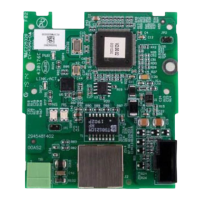
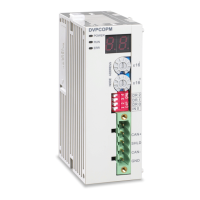
CANopen Communication Module DVPCOPM-SL
DVP-PLC Operation Manual
44
LD= D6000 H0101
MOV
H5003
D201
BMOV D6005 D1
MOV H0201 D200
LD= D6000 H0201
MOV
H5004
D201
MOV D6005 D9
MOV H0301 D200
LD=
D6000 H0103
LD= D6000 H0203
K8
LD= D6000 H0301
MOV H5002
。
D201
MOV D6005 D10
MOV H0101 D200
LD= D6000 H0303
7 LED Indicator & Trouble-shooting
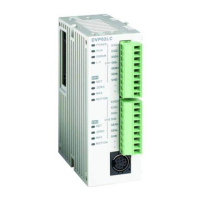
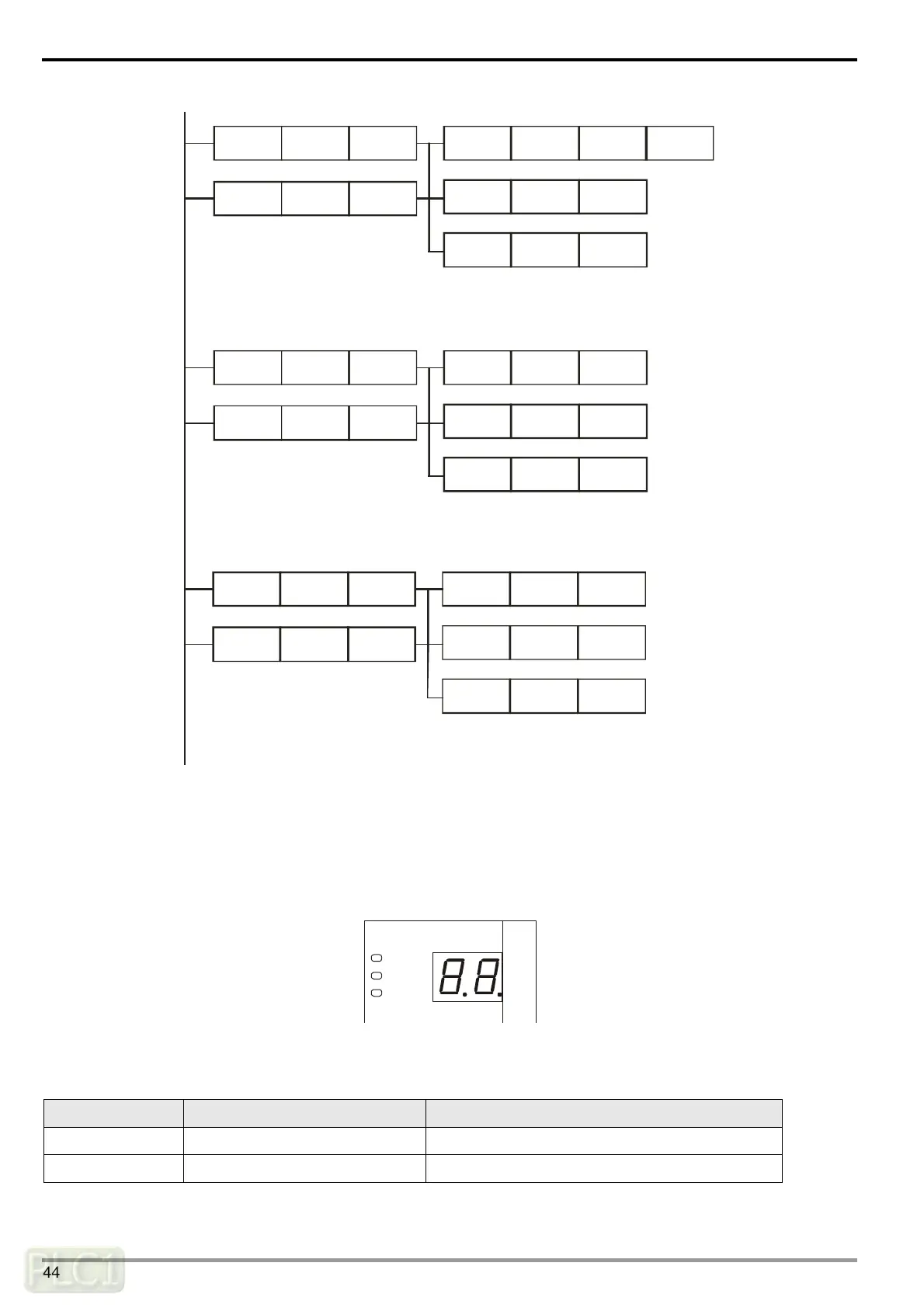
DVPCOPM-SL has three LED indicators and a digital display on it. POWER LED displays whether the power supply of
DVPCOPM-SL is normal. RUN LED and ERR LED display the current operational status. The digital display shows the
node address of DVPCOPM-SL and error messages from the slave.
DVPCOPM
POWER
RUN
ERR
7.1 POWER LED
LED status Indication How to correct
On Power is abnormal. Check the power supply of DVPCOPM-SL.
Green light On Power is normal. --


 To Next Page
 Loading...