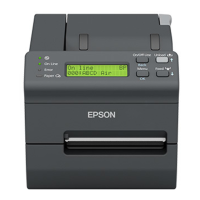
Connectors
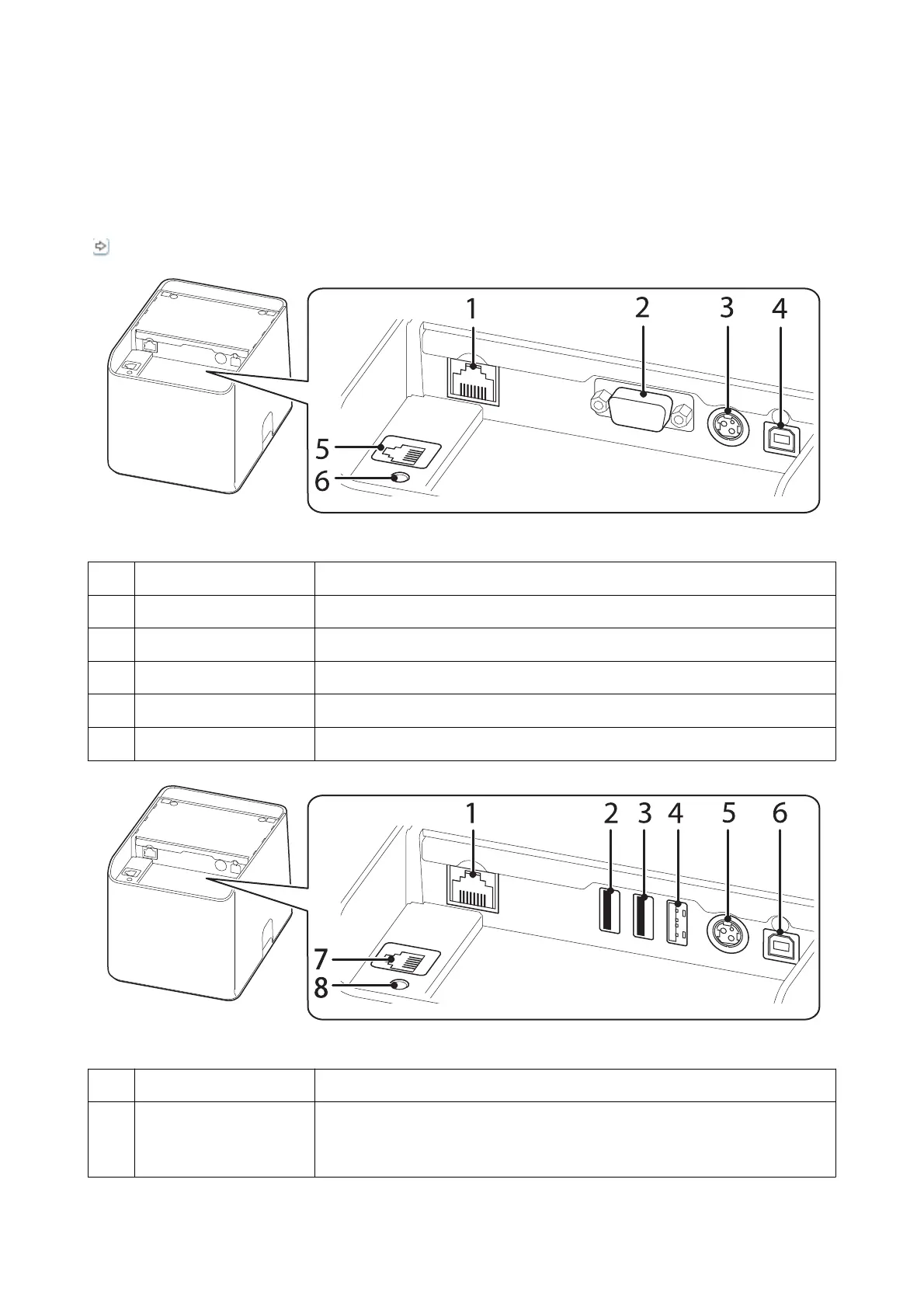
e on-board connectors vary depending on the printer model.
“Interface” on page 46
1 Ethernet connector Connects the 10BASE-T/100BASE-TX LAN cable.
2 Serial connector Connects a serial cable.
3 Power supply connector Connects the DC cable for the AC adapter.
4 USB Type-B connector Connects the USB cable for connecting to computers.
5 Drawer kick connector Connects the modular cable for the cash drawer.
6 Status sheet button Initializes the interface settings or prints a status sheet to verify the settings.
1 Ethernet connector Connects the 10BASE-T/100BASE-TX LAN cable.
2,3 USB Type-A connector
The USB connector color is
black
For connecting a peripheral device such as a customer display, handheld scanner, or
wireless LAN unit.
TM-L100 User's Manual
Part Names
8



 To Next Page
 Loading...