DIGITAL SELECTIVE CALLING
FM-4850 Operator’s Manual
4.5.1 How to Initiate a Group Call
Enter the group call page
Step 1 On the home screen, press the Menu/DSC control to enter the "MAIN
MENU" screen.
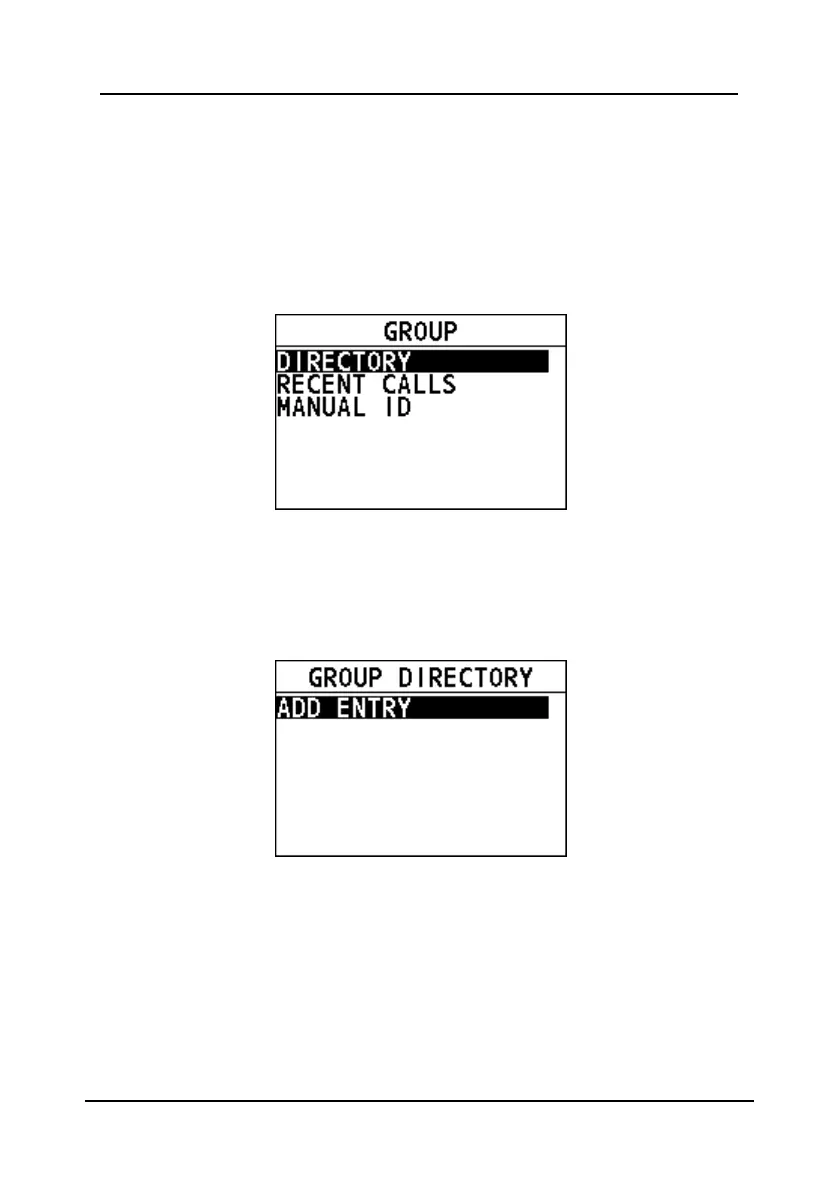
Step 2 Go to "DSC CALL > GROUP".
The "GROUP" page appears on the screen.
Register a group call
Step 1 On the home screen, press the Menu/DSC control to enter the "MAIN
MENU" screen.
Step 2 Go to "DSC SETUP > GROUP DIRECTORY".
Step 3 Select "ADD ENTRY" to register a group.
Step 4 Rotate and press the Menu/DSC control to enter a new group name and
MMSI.
The maximum of entries is 40.
Initiate a group call to a group registered in the directory
Step 1 On the "GROUP" page, select "DIRECTORY".
Step 2 Select a group, and then press the Menu/DSC control to enter the
"SELECT CH" page.


 To Next Page
 Loading...





