FM-4850 Operator’s Manual
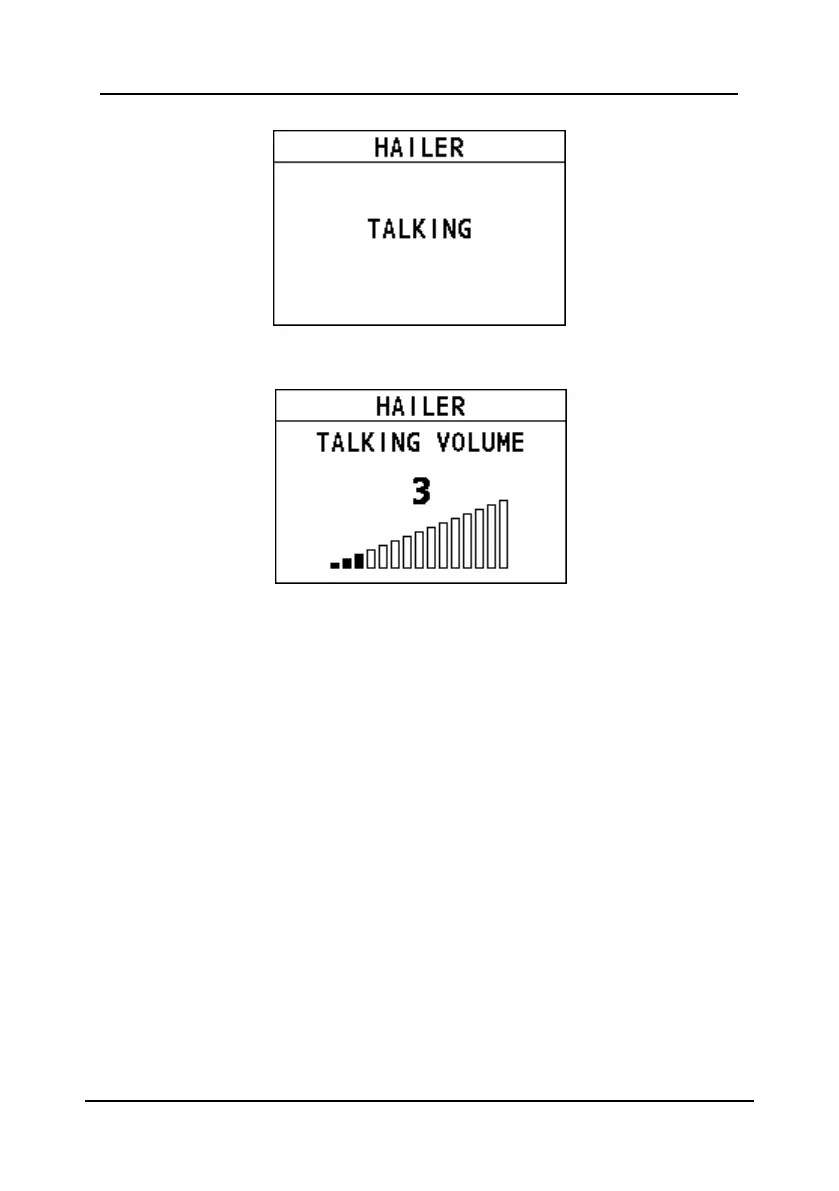
You can adjust the talking volume.
Step 4 Release the PTT key to listen to the response from the hailer.
Step 5 Press the Back key to return to the previous screen.
8.3 Intercom
The Intercom feature allows the intercommunication between the handsets. This
feature is available only when your radio is equipped with more than one handset.
Step 1 On the home screen, press the Menu/DSC control to enter the "MAIN
MENU" screen.
Step 2 Go to "FOG/HAILER/IC > INTERCOM".
The "INTERCOM" page appears on the screen. Here "River" is the alias
of handset to be connected remotely.


 To Next Page
 Loading...





