FM-4850 Operator’s Manual
5. CHANNEL WATCH
5.1 Dual Channel
Dual channel scans two channels for communications. One channel is a normal
VHF channel and the other is CH16. The following is how the DUAL CH feature
works when a signal is received on one of the channel:
If a signal is received on the normal channel, the radio quickly switches
between the normal channel and CH16 to look for a transmission.
If a signal is received on CH16, the radio stops and listens only to CH16 until
communication ends and then starts DUAL CH scan again.
Step 1 Press and rotate the Volume/Squelch control to adjust the squelch until
the background noise disappears.
Step 2 On the home screen, rotate the Menu/DSC control to select a channel to
DUAL CH with CH16.
Step 3 Press the Menu/DSC control to enter the "MAIN MENU" page.
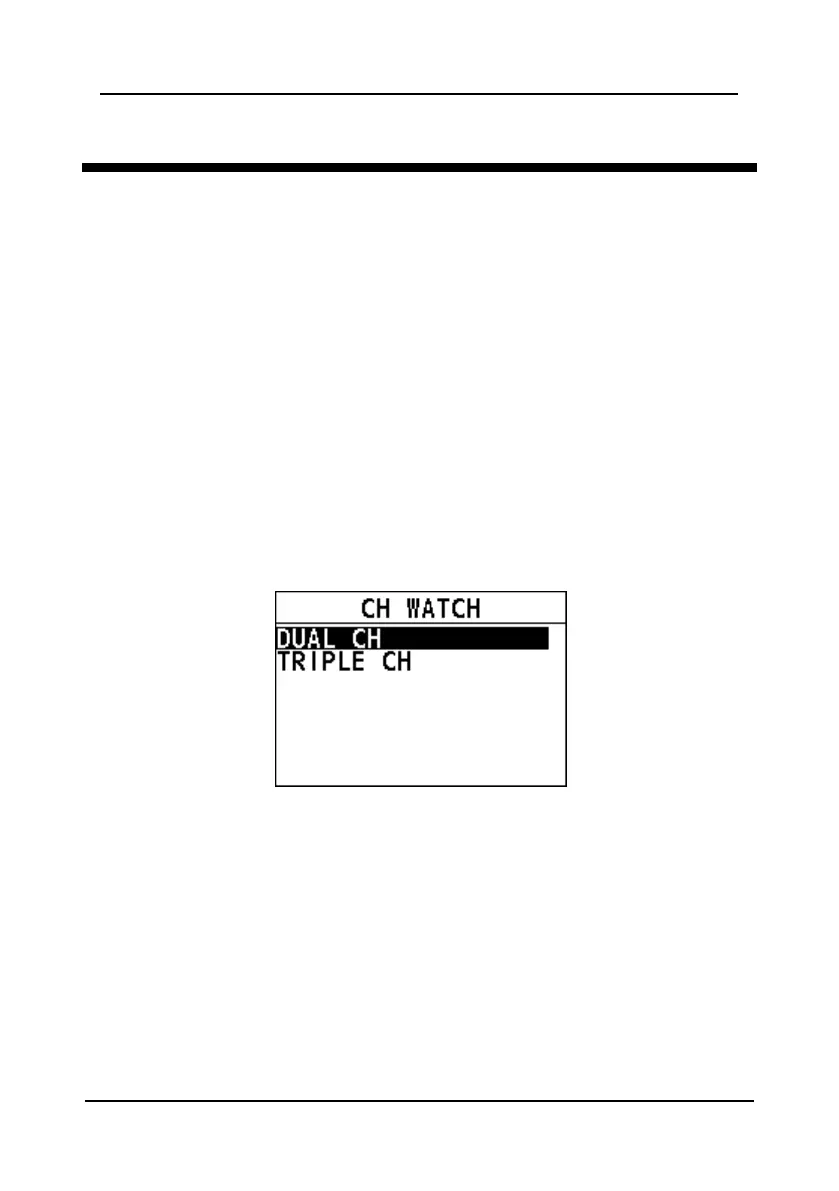
Step 4 Select "CH WATCH".
Step 5 Select "DUAL CH".
The radio returns to the home screen. The display alternately scans
between CH16 and the channel that is selected in step 2.
Step 6 To stop DUAL WATCH, press the Back key or the Menu/DSC control.
5.2 Triple Channel
Triple channel scans three channels for communications: CH16, the second priority
channel, and a normal VHF channel. The following is how the TRIPLE CH feature
works:
If a signal is received on the normal channel, the radio quickly switches among
the normal channel, second priority channel, and CH16 to look for a
transmission.


 To Next Page
 Loading...





