FM-4850 Operator’s Manual
11. CHANNEL FUNCTION SETUP
11.1 Channel Group
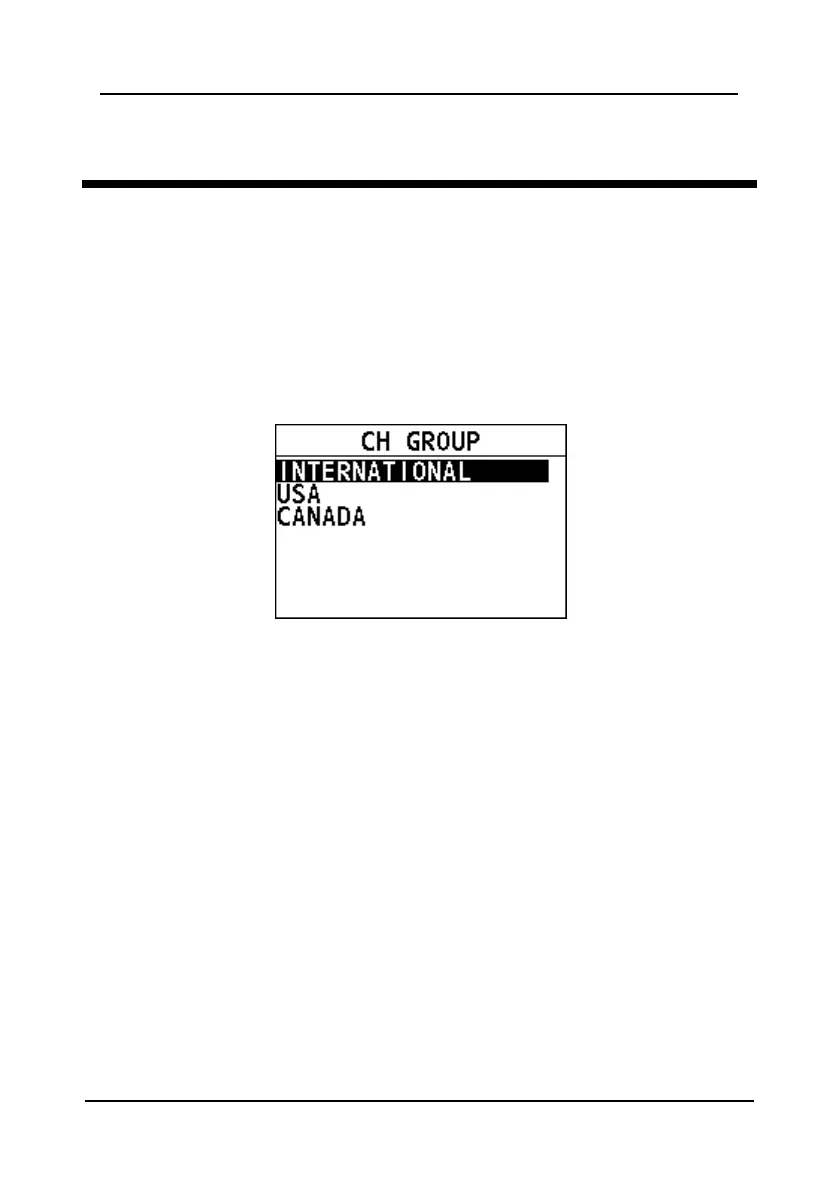
This feature allows you to select a channel group among International, USA, and
Canada channel groups.
Step 1 Press the Menu/DSC control until the "MAIN MENU" screen appears.
Step 2 Go to "CH FUNCTION SETUP > CH GROUP".
The following page appears on the screen.
Step 3 Select "INTERNATIONAL", "USA", or "CANADA".
Step 4 Press the Menu/DSC control to save the setting.
11.2 Second Priority Channel
This feature allows you to set the second priority channel which to be scanned in
the TRIPLE CH mode.
Step 1 Press the Menu/DSC control until the "MAIN MENU" screen appears.
Step 2 Go to "CH FUNCTION SETUP > 2ND PRIORITY".
The following page appears on the screen.



 To Next Page
 Loading...




