5.7 Connectors
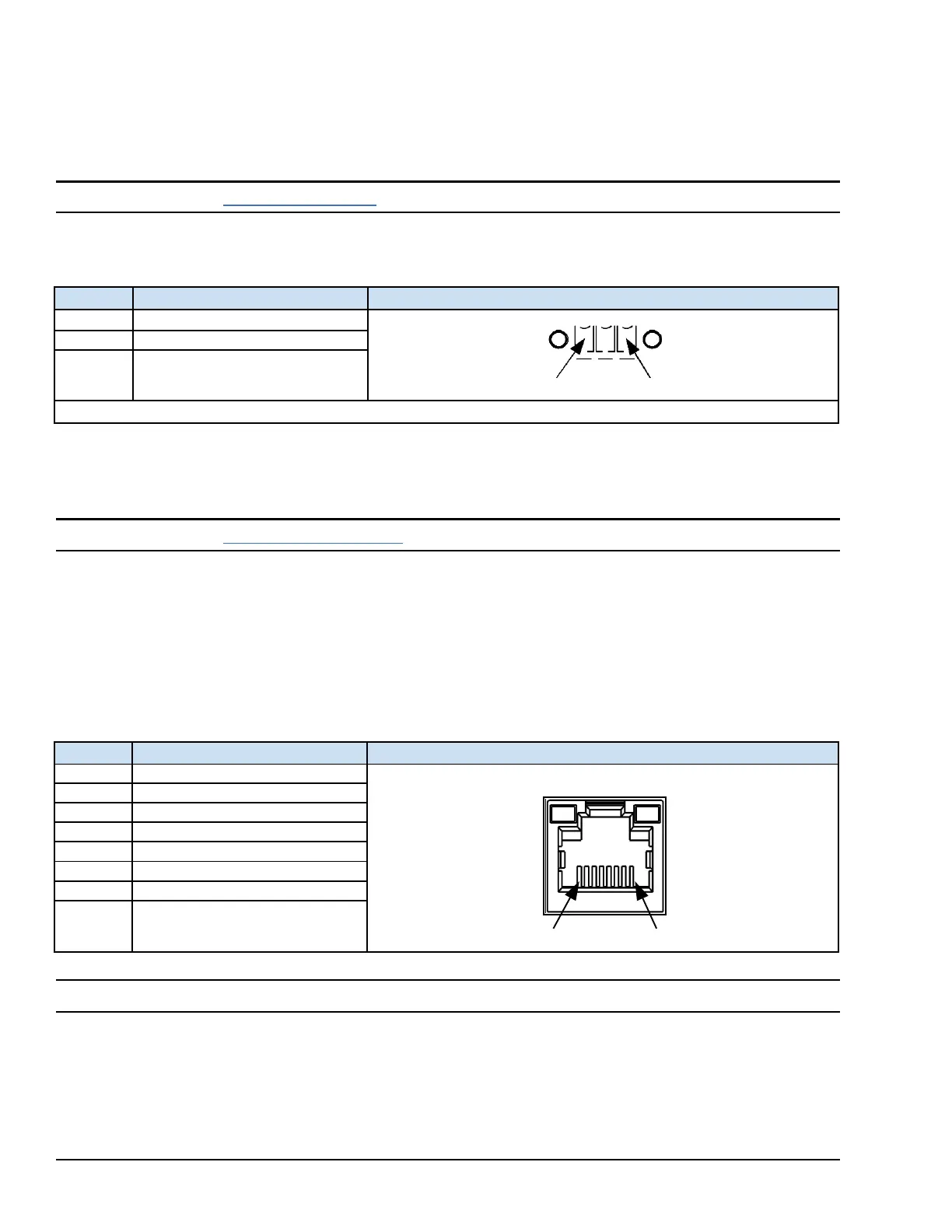
5.7.1 Power Connector Pin-out for IC755CxS06RDx, IC755CxW07CDx, and
IC755CxSxxCDx
Note Refer to the section Connecting Input Power.
Connector: Terminal Euro (Tyco Electronics 284539-3)
Mating Connector: (Tyco Electronics 284510-3)
5.7.2 Ethernet for IC755CxS06RDx, IC755CxW07CDx, and IC755CxSxxCDx
Note Refer to the section Ethernet Port LED Operation.
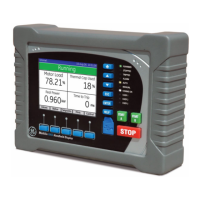
The QuickPanel
+
display is equipped with 10Base-T/100-Base-TX Ethernet port(s). Connect an Ethernet network cable
(unshielded-twisted pair, CAT 5) to the unit through the RJ-45 connector(s) on the bottom of the enclosure. LED indicators
on the port indicate channel status. The port can be accessed by Windows Embedded Compact 7 network
communications or by your application.
5.7.2.1 Ethernet Port Details
Interface: Ethernet 10BASE-T/100BASE-TX
Note Dual Ethernet ports are separate ports (only applicable to QuickPanel
+
IC755CxSxxCDx 10, 12, and 15" display units)


 To Next Page
 Loading...