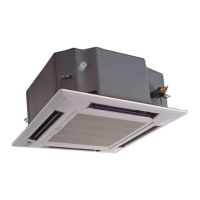
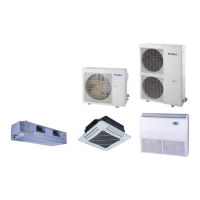
80DWFK6HULHV'&
,QYHUWHU6HUYLFH0DQXDO
48
DPOUSPM
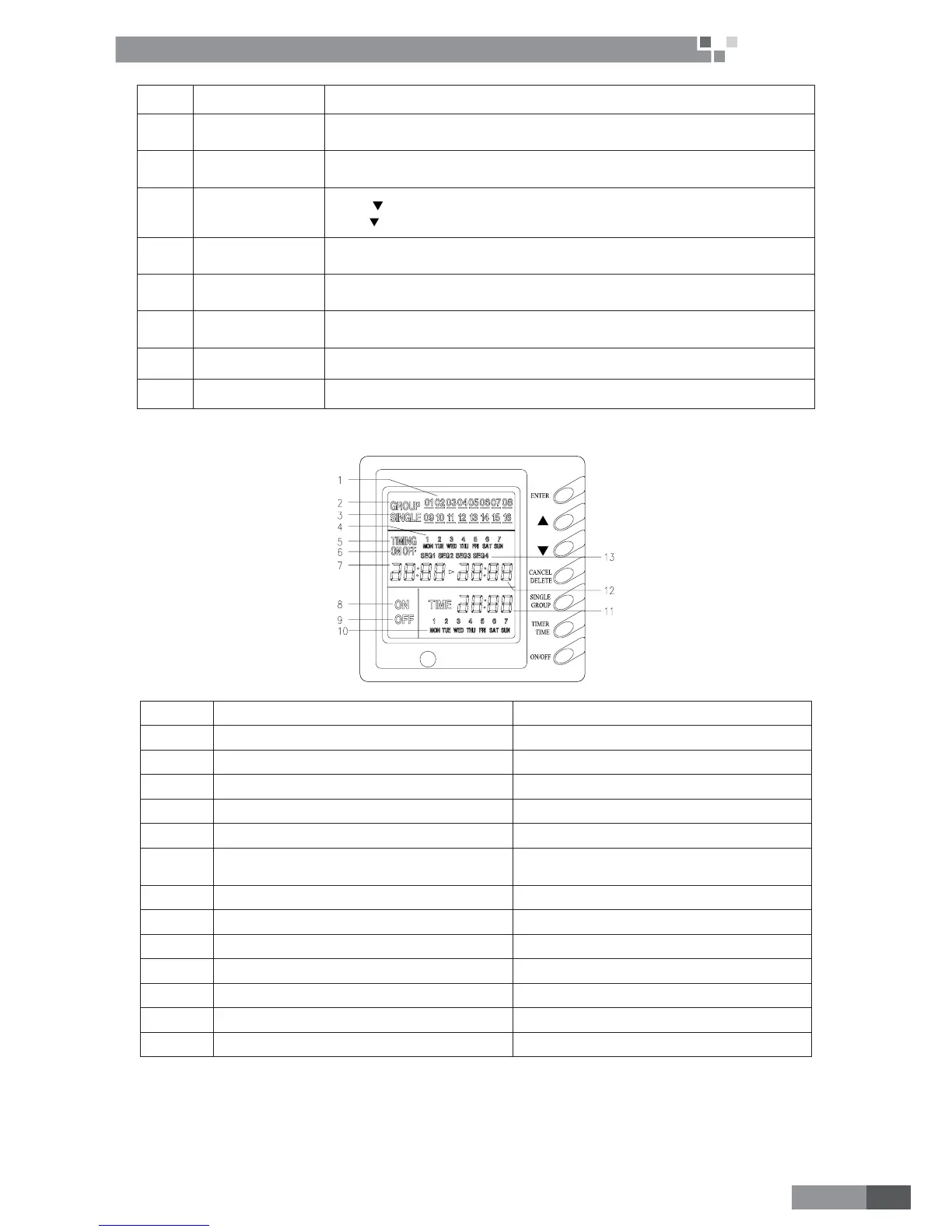
NO. Name Function description
1
ENTER button Press the button to let setting validate.
2
Increasing button
3UHVV³Ÿ´DQGVHOHFWHGWKHXQLWRUDFHUWDLQGD\LQRQHZHHNRU
VSHFL¿FYDOXH3UHVV³Ÿ´FDQVHWZHHNSDUWRIWLPH
3
Decreasing button
Press “
´DQGVHOHFWHGWKHXQLWRUDFHUWDLQGD\LQRQHZHHNRUVSHFL¿FYDOXH
Press “
´FDQVHWZHHNSDUWRIWLPH
4
CANCEL/DELETE
button
short-press “cancel/delete´WREDFNWRGHIDXOWSDJHRUODVWSURFHVVORQJSUHVV
“cancel/delete´WRFDQFHOWLPHURIDFHUWDLQWLPHSHULRGLQDFHUWDLQGD\
5
SINGLLE/GROUP
button
short-press “single/group´WRHQWHUVLQJOHFRQWUROVHWWLQJ³SINGLE´GLVSOD\HG
long-press “single/group´WRHQWHUJURXSFRQWUROVHWWLQJ³GROUP´GLVSOD\HG
6
TIMER/TIME
button
Short-press “timer/time´WRHQWHUWLPHUVHWWLQJ
Long-press “timer/time´XQGHUGHIDXOWSDJHFDQEHJLQWLPHVHWWLQJ
7
On/off button Press the button to set start or close the unit.
8 LCD display Display unit information.
4.1.3 Display View
NO. Name Function description
1
Unit’s no. displays Display unit’s numbers
2
Group control displays when group controls, it will display
3
Single control displays when single unit controls, it will display
4
Timer time in week displays Display time in week
5 Timer displays Display time
6
timer state displays
³RQ´ZKHQVHWXQLWRQ³RQ´ZLOOGLVSOD\
³RII´ZKHQVHWXQLWRII³RII´ZLOOGLVSOD\
7
timer on time displays Display starts time
8
on control displays When set unit or group on, it will display,
9
off control displays When set unit or group off, it will display,
10
present time in week display Display present time of week.
11
present time in Hr:Min displays Display time of hour and minute now
12
timer off time displays Display over time
13
timer period displays
Set to different time segment
Note:
Please read corresponding manual of weekly timer controller to be familiar with it.


 To Next Page
 Loading...