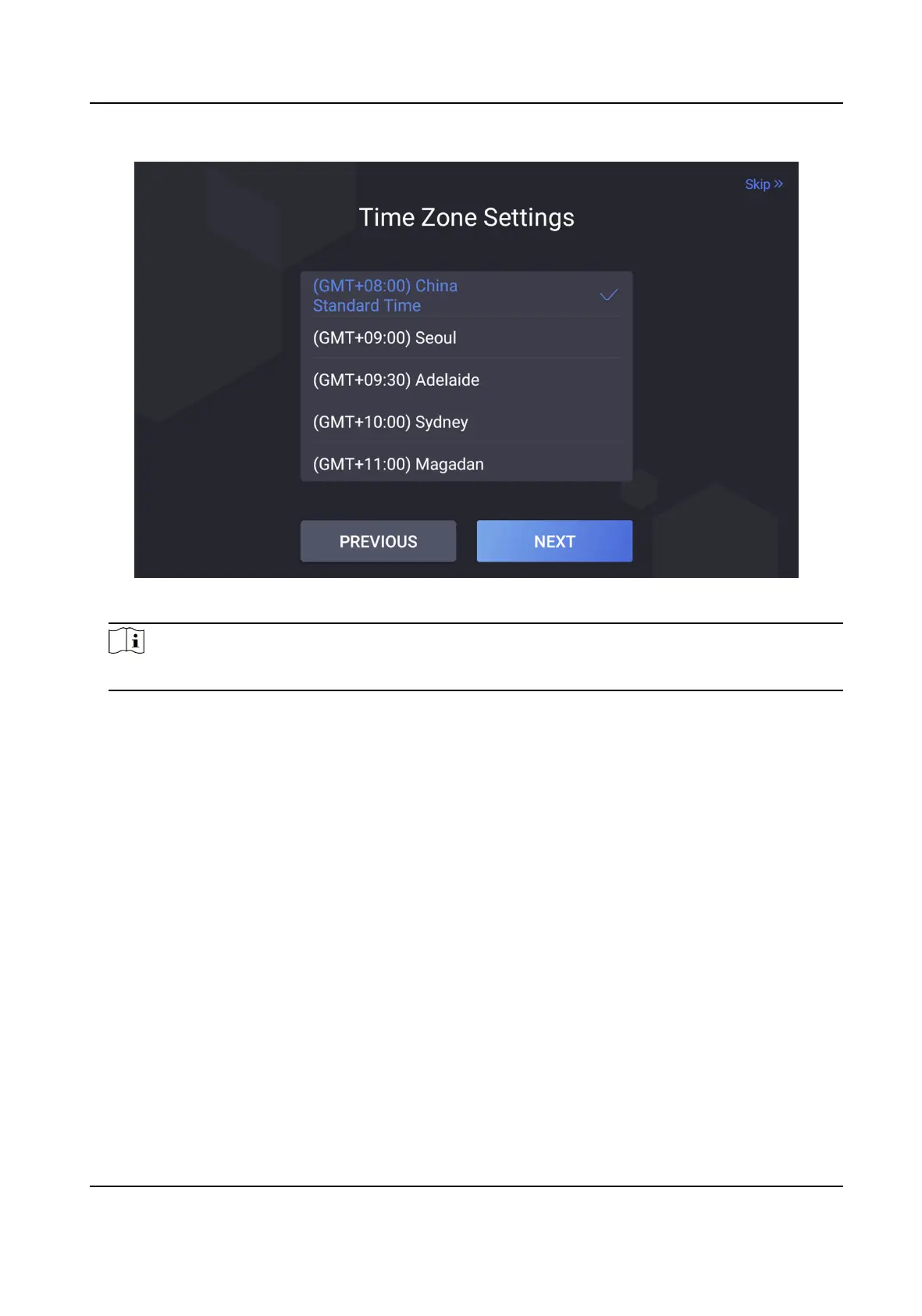
Figure 6-2 Time Zone Sengs
Note
●
The me zone will aect the device me.
2.
Tap Next.
3.
Oponal: Tap Skip to skip me zone sengs.
4.
Oponal: Tap PREVIOUS to back to the previous page.
6.3 Set Network Parameters
You can set the network for the device.
Steps
1.
Tap Wired Network or Wi-Fi for your actual needs.
DS-K5032 Series Visitor Terminal User Manual
11


 To Next Page
 Loading...