8
Setting up the Projector
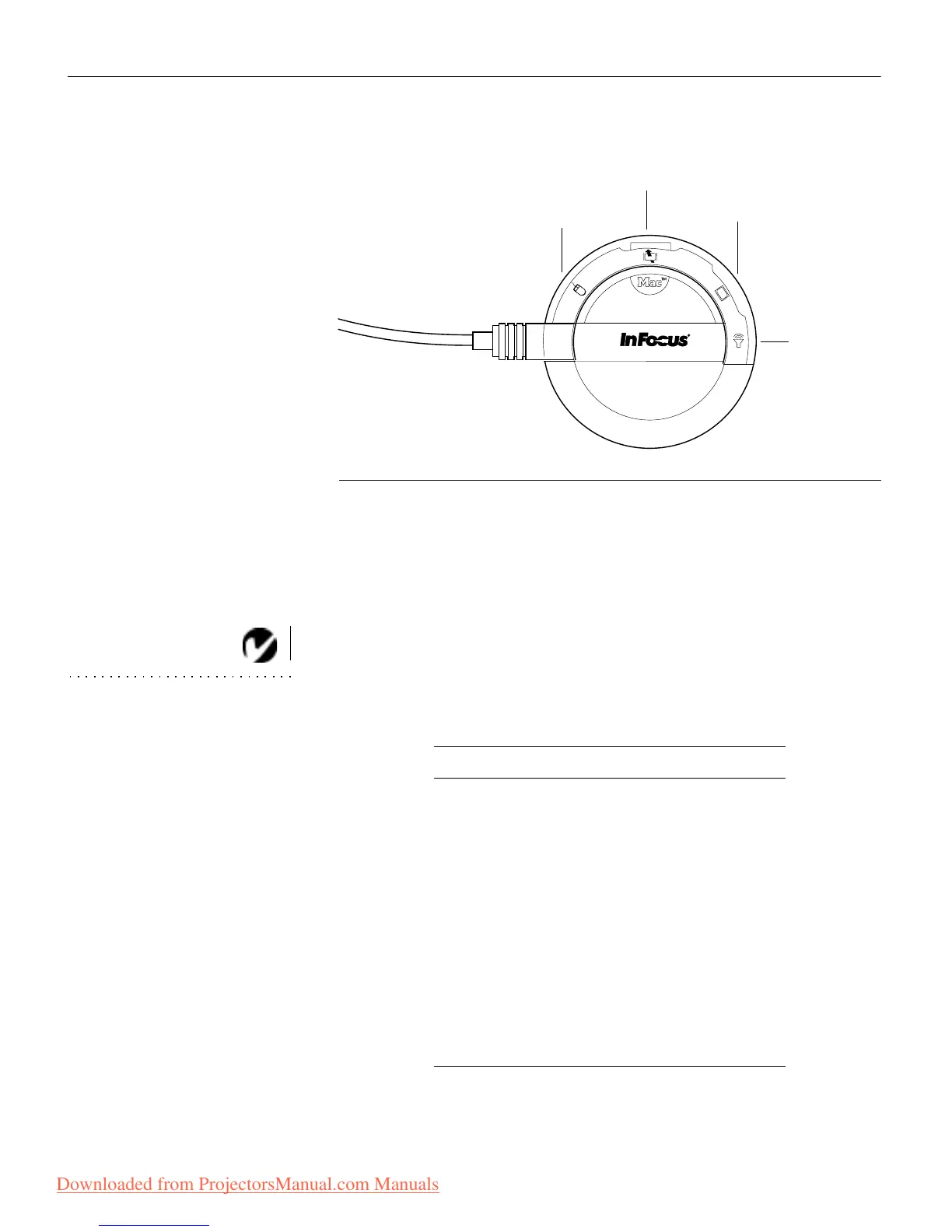
F
IGURE 7
Selecting the Macintosh connectors on the CableWizard
Preparing to Connect Your Equipment to the Projector
Now you’re ready to connect your equipment. Computers are
connected to the CableWizard. Video players and other equip-
ment, such as external speakers, are connected directly to the
projector.
NOTE: Before you continue,
make sure the projector and your
equipment are turned off. If you’re
connecting a computer, make sure
the distance between it and the
projector is 10 feet or less and
you’ve selected the appropriate
connectors on the CableWizard.
Steps for connecting different types of equipment are given on
the pages listed below.
mouse
monitor
computer
audio
Computer/Equipment Page
IBM-compatible desktop computer page 9
IBM-compatible laptop computer page 11
Macintosh desktop computer page 13
Apple PowerBook page 15
Video player page 17
External speakers or subwoofer page 19
Microphone page 19
PS/2-compatible mouse page 20
Remote control cable page 20
Downloaded from ProjectorsManual.com Manuals



 To Next Page
 Loading...



