64
V110 – Marine Satellite Communication System
PC Controller Program
Introduction
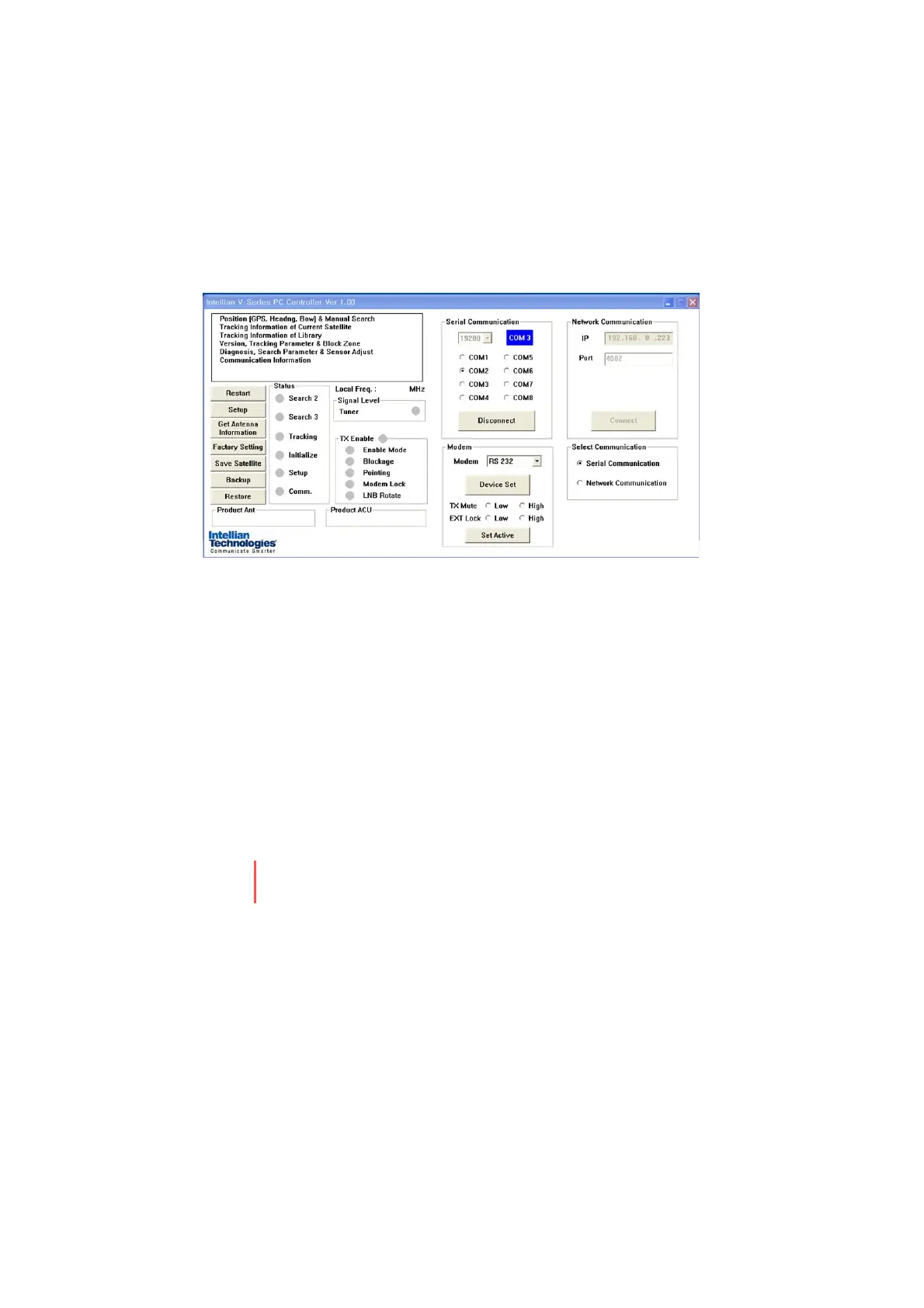
GUI Software of Intellian v110 has been created for the user to easily set
up the antenna by using the user’s personal computer. Using the GUI
program enables the user to easily monitor and modify the information
of antenna, satellite and GPS. Additionally, detailed diagnostic methods
of the antenna are provided by the GUI program.
Figure 27. Screen Capture of Intellian Antenna PC Controller
To start this GUI program,
1. Connect one end of USB cable to the USB port on the computer.
2. Connect the other end of the USB cable (A-A or M-M Type) to the
“PC” connector in front of ACU. ( or Connect by using PC Serial Cable)
3. Execute GUI program by inserting the supplied CD-ROM into the CD-
ROM drive of the computer.


 To Next Page
 Loading...











