28
while in standby mode to enter the main
menu.
when required to be used as a toggle key
to select or clear a checkbox.
to perform similar tasks as the Left
Selection Key.
to select the command.
The Left and Right Selection keys, Power On/Off
and Pickup keys surround this key group. There
are arrows on the key that denote the direction
to scroll for
information displayed on the screen.
to view the target characters by pages in
the text editor.
to browse menus/lists at the same level.
to view the previous or next picture when
previewing pictures.
to increase or decrease the volume during
a call.
to move the cursor left or right in the text
editor.
to browse the main menu.
to turn to previous or subsequent pages
when browsing the contacts in the address book.
to view the previous or next picture when
previewing pictures.
the Left navigation key during a call, to
mute or unmute the phone.
the Right navigation key during a call to
switch on/off the handsfree
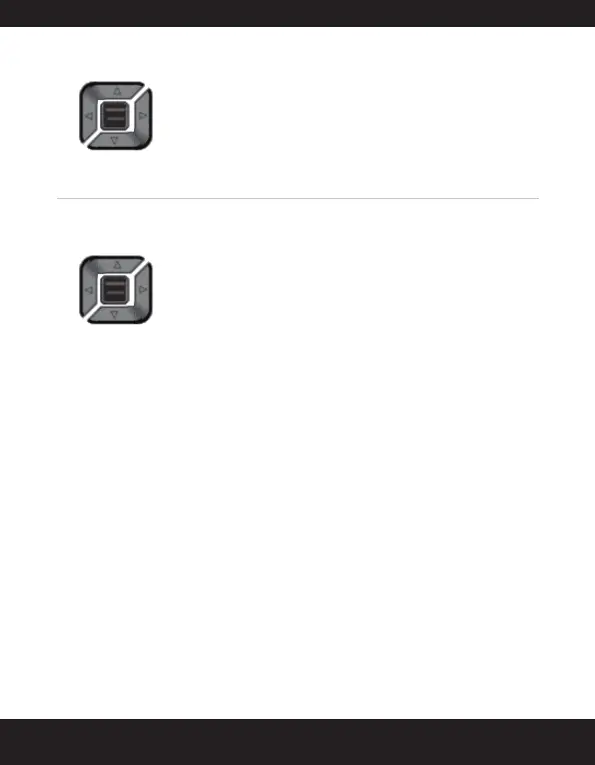
Menu key (centre)
Navigation keys


 To Next Page
 Loading...