2L6/2N6/2N5/2N4
1-4-288
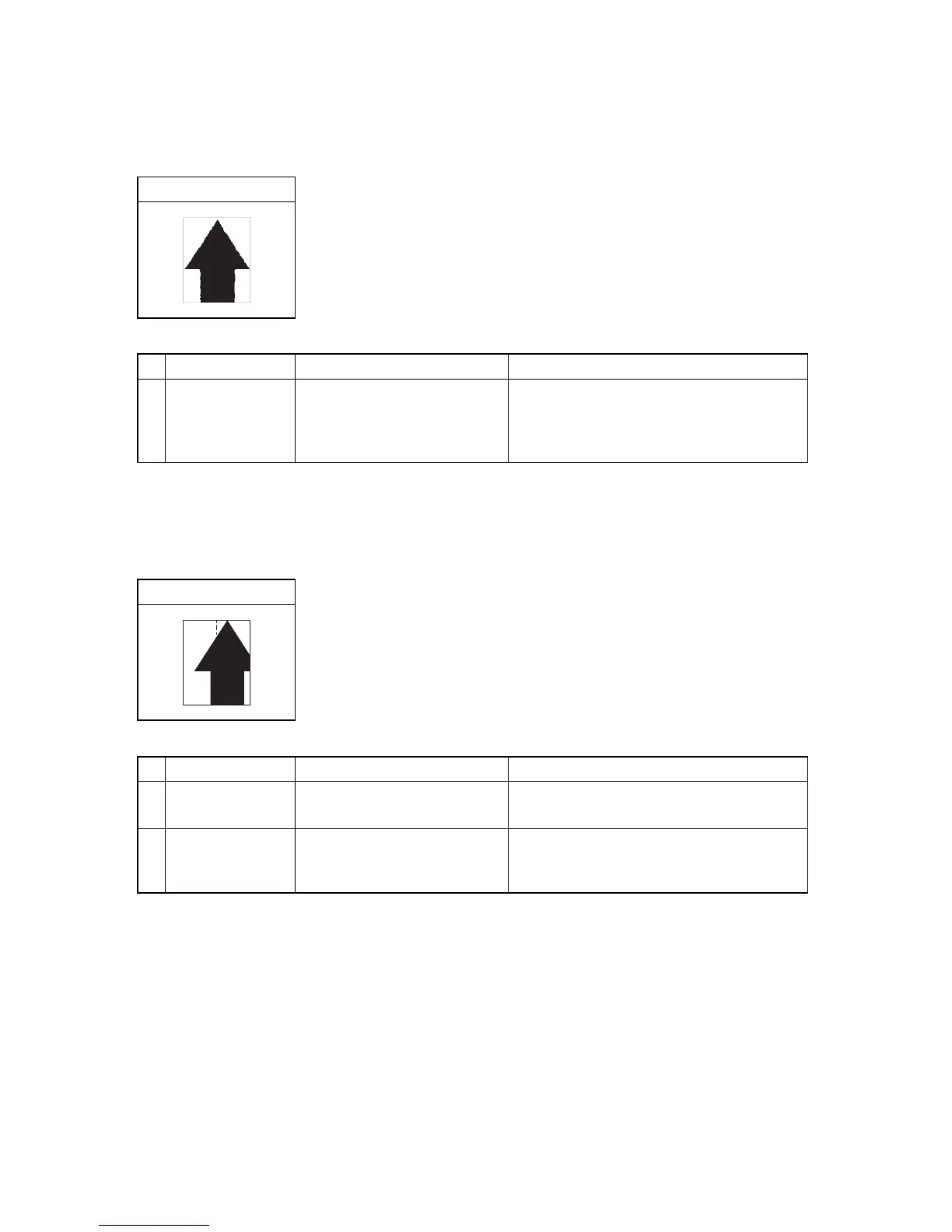
(16) Image is out of focus.
(17) Image center does not align with the original center.
Print example
Defective part Check description Corrective Action
1
Paper
1. Check that the paper has
moisture absorbed.
2. Check that the paper has
stored in a humid place.
1. If the paper is damp, replace.
Choose a dry place to store paper.
2. If necessary, install a cassette heater.
(see page 1-2-67)
Print example
Defective part Check description Corrective Action
1
Paper setting Check if paper is set correctly. Reload paper if the paper was not loaded
correctly.
2
Image position
adjustment
Excute U034 to confirm the
center alignment during writing
images.
Perform adjustment if the value of U034 Center
Line Adjustment is inadequate.
(see page 1-3-38)


 To Next Page
 Loading...







