Preparing beverages
47
Switching the TeaTimer on and off
TheSettings menu is displayed.
Select Timer.
Select TeaTimer.
- On: the TeaTimer is displayed while
the hot water is being prepared. The
TeaTimer can be once the hot water is
ready.
- Off: the TeaTimer is not displayed.
Select the desired setting.
Confirm withOK.
Making tea
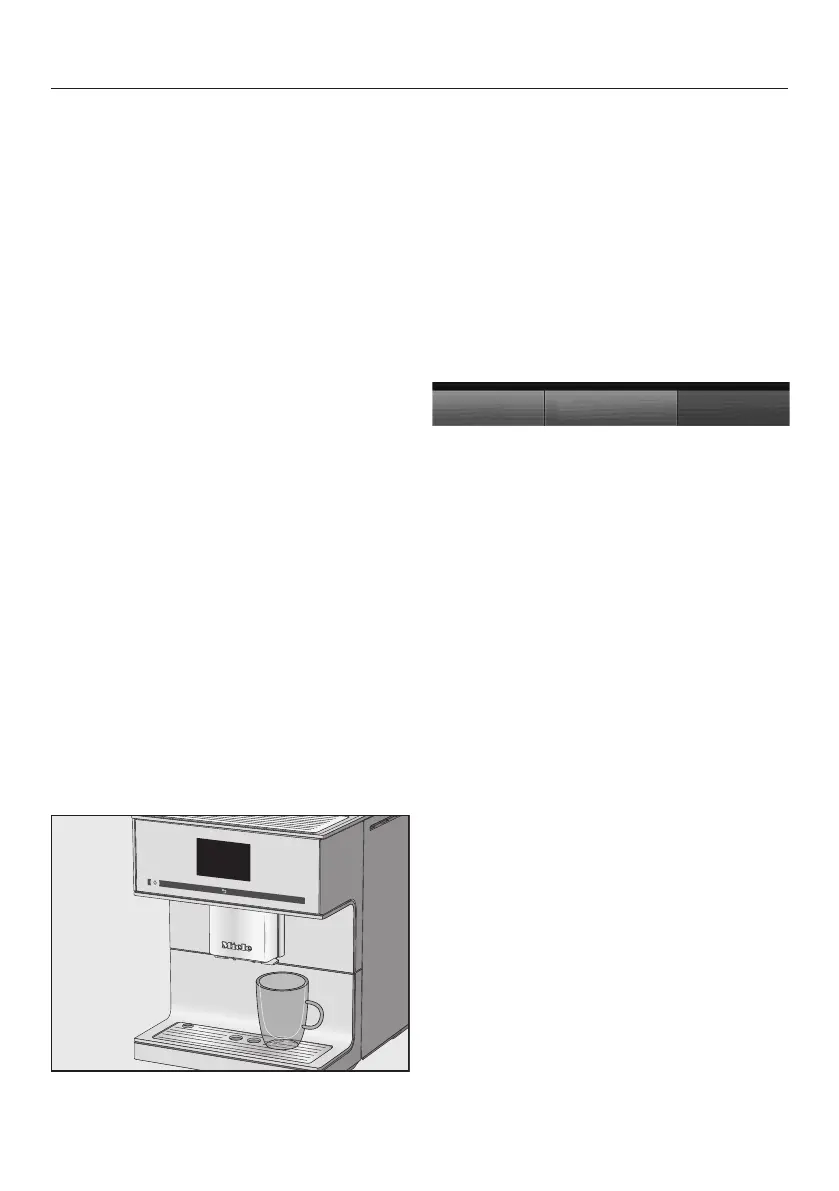
The hot water spout is located to the
right of the central spout.
Use the arrow button to display and
select the types of tea. Different types
of tea can be found in the drinks menu
after Milk froth.
TheDrinks menu is displayed.
Pour loose tea into a tea filter or
similar or take a tea bag out of the
packet.
Place the tea filter or the tea bag in
the tea cup.
Place the cup under the hot water
spout.
Select the type of tea on the display.
Hot water will be dispensed into the
cup.
You can now start the kitchen timer for
the brewing time if the TeaTimer is
switched on.
Starting the TeaTimer
TeaTimer appears in the bottom left of
the display.
Tap TeaTimer.
TeaTimer will be selected. After
dispensing, the editor will open with a
suggested time.
Change the brewing time if
necessary.
Confirm withOK.
An audible signal will sound after the
brewing time has elapsed.
Now remove the tea leaves or tea
bag.
Canceling tea preparation
TapStop or Cancel.


 To Next Page
 Loading...










