RF Performance Modes
You can change the Mode on the R900BCT Status screen. The unit has three options for the
RF performance during a reading:
l Efficiency – reduces RF performance, has best battery life.
l Moderate – default RF performance.
l Performance – best RF performance, decreases battery life.
RF performance refers specifically to the throughput of the receiver that can impact the
processing speed of readings in high density areas. The modes do not impact the range.
Selecting the R900
®
BCT Reading Mode
To choose the reading mode, complete the following steps.
1.
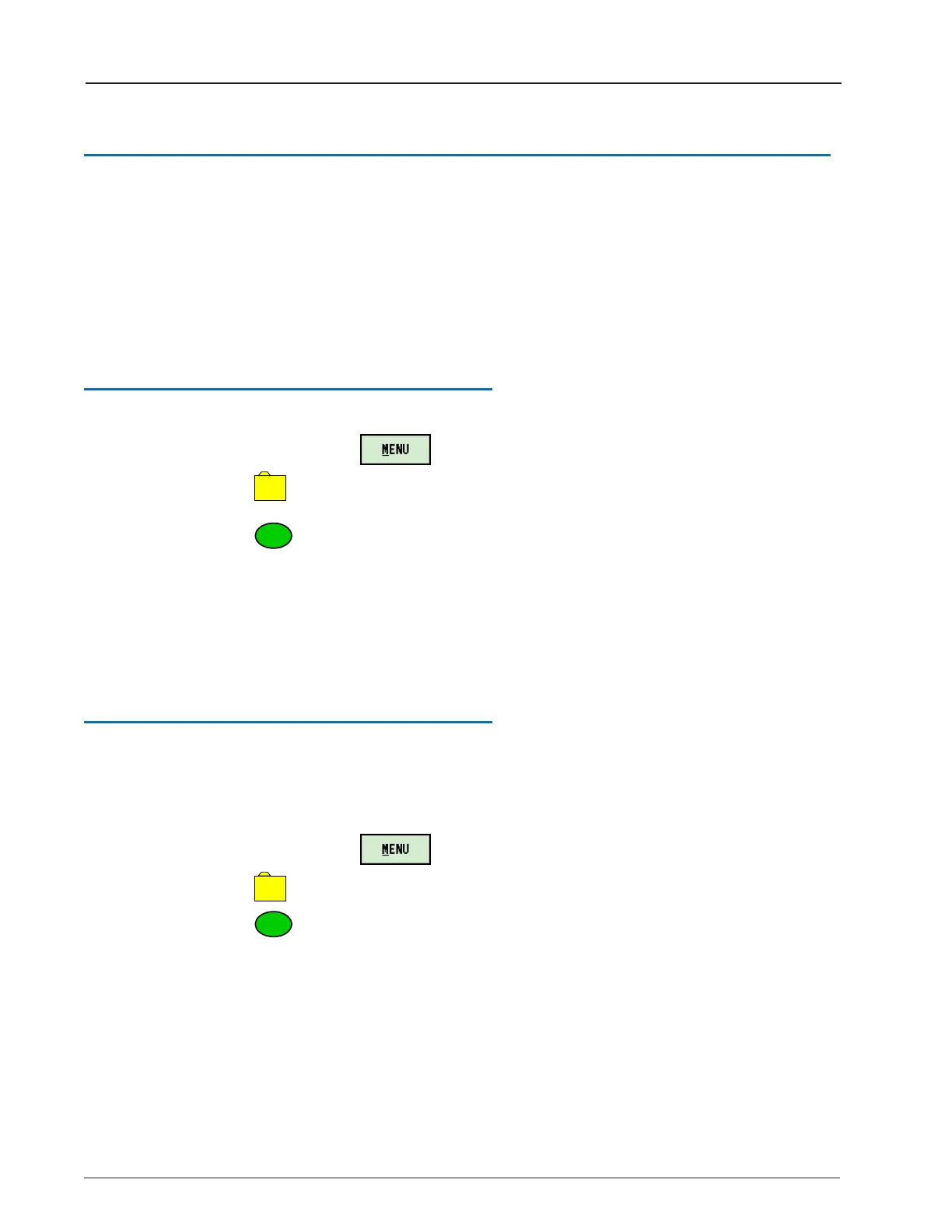
On the Nomad, click .
2.
Click
– UTILS.
3.
Click
– Belt Clip Status.
The R900BCT Status screen appears.
4. Tap the drop-down selection list for RF Mode to choose the reading mode. See "Setting
Up the R900® Belt Clip Transceiver" on page1.
Using the R900
®
BCT RF Test Mode
RF Test Mode allows the R900BCT to go into a continuous receive mode and listen for any
and all R900 transmissions.
From the Login Screen:
1.
On the Nomad, click .
2.
Click
– UTILS.
3.
Click
– RF Test.
12 R900
®
Belt Clip Transceiver Users' Guide
Chapter 2: Using the R900
®
BCT


 To Next Page
 Loading...
