01-07-2002
The display
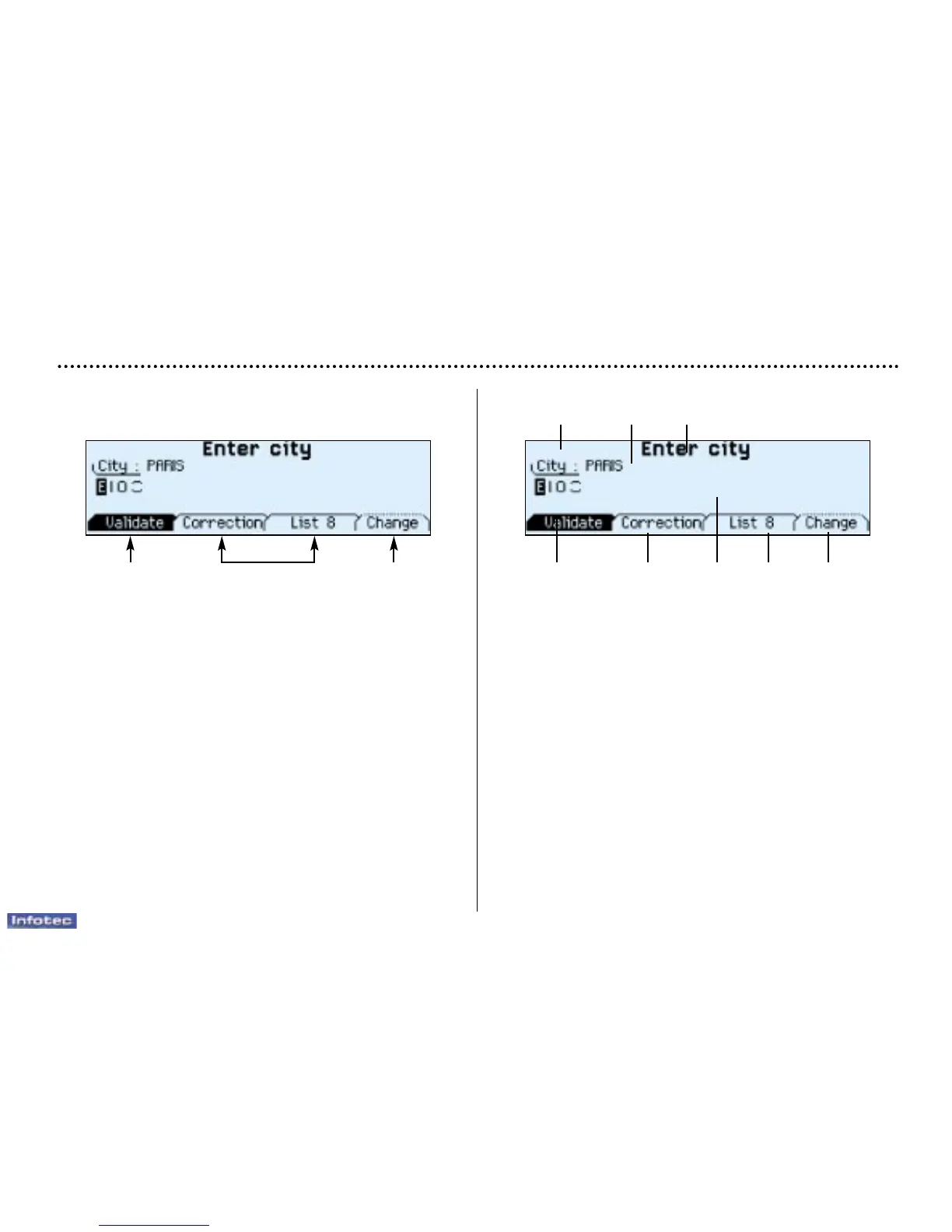
When the menus are used, the functions which appear at
the bottom of the screen are presented in various ways:
1. Function selected.
2. Function inaccessible in this situation.
3. Function accessible.
Note: The "List" function can hold a maximum of
80 addresses.
During guidance, the screen displays different information
depending on the manoeuvres to be carried out:
1. Distance to next manoeuvre.
2. Next manoeuvre to be carried out.
3. Next road to take.
4. Time.
5. Exterior temperature.
6. Current road.
7. Distance to final destination.
8. Manoeuvre to be carried out.
YOUR 406 COUPE IN DETAIL
75
8 7
1 2 3
6 5 4
132


 To Next Page
 Loading...