GB
30
Mastering the basic operation
• The sound of the camera and the lens in operation might be recorded while
recording a movie. You can disable the sound recording by selecting MENU t
[Setup] t [Movie Audio Rec] t [Off] (page 60).
• The continuous recording time of a movie depends on the ambient temperature or
the condition of the camera.
• When you are recording continuously for a long time, you may feel that the
camera is warm. This is normal. Also, “Internal temp. high. Allow it to cool.” may
appear. In such cases, turn the camera off and wait until the camera is ready to
shoot again.
Playing back images
x
Selecting the image
Turn the control wheel.
Notes
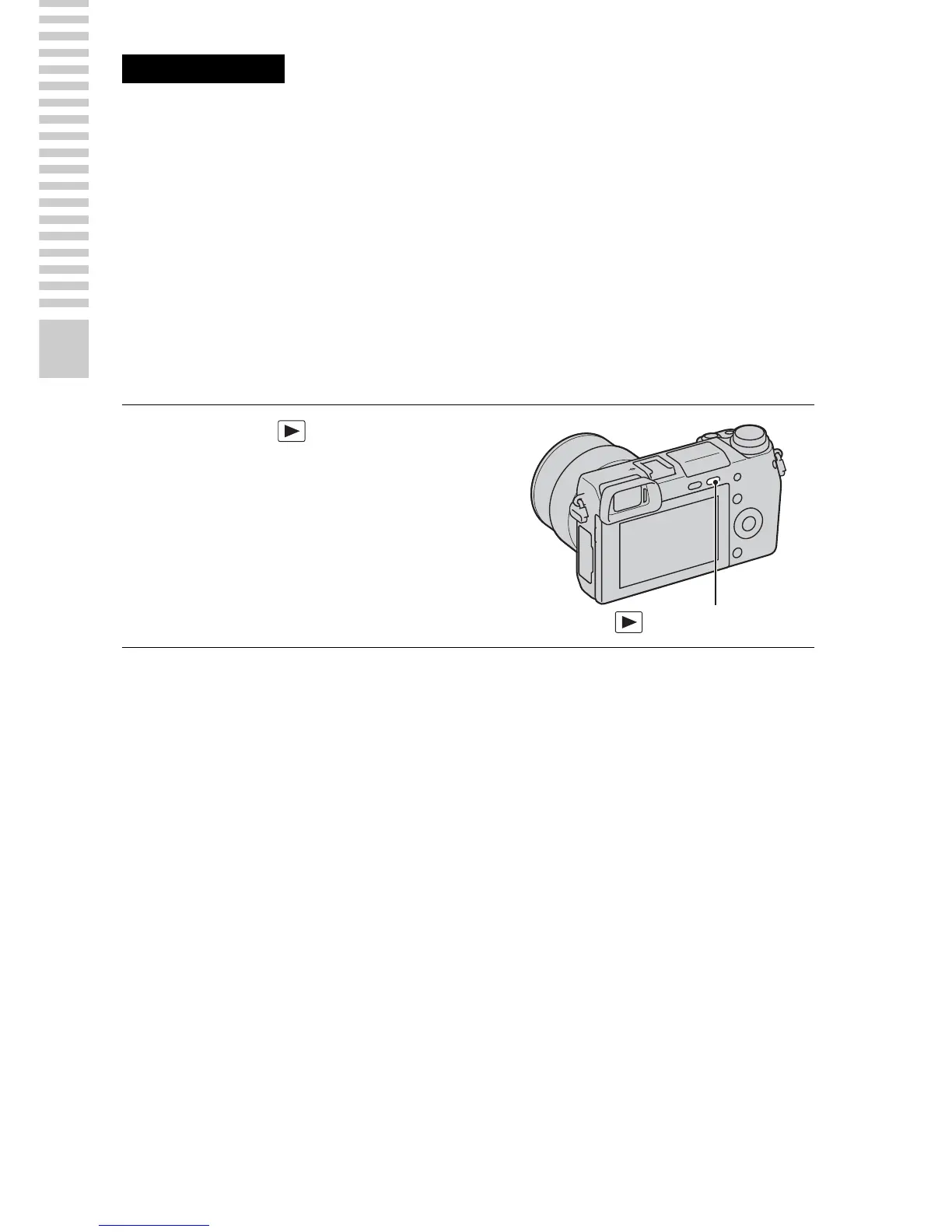
1
Press the (Playback)
button.
The last recorded image is displayed
on the LCD screen.
• Press the center of the control wheel
to enlarge the displayed image.
(Playback) button


 To Next Page
 Loading...











