GB
73
Connecting the camera to a network
x
Access Point Settings
• When aboard an airplane, turn off the camera.
Saving images to a computer
You can save images on the camera to a computer that is connected to a
network. Before saving, install the software “PlayMemories Home” on your
computer, connect the computer and the camera using a USB cable, and
register the camera to “PlayMemories Home.”
• Depending on the application settings on your computer, the camera may turn off
automatically after the images have been saved.
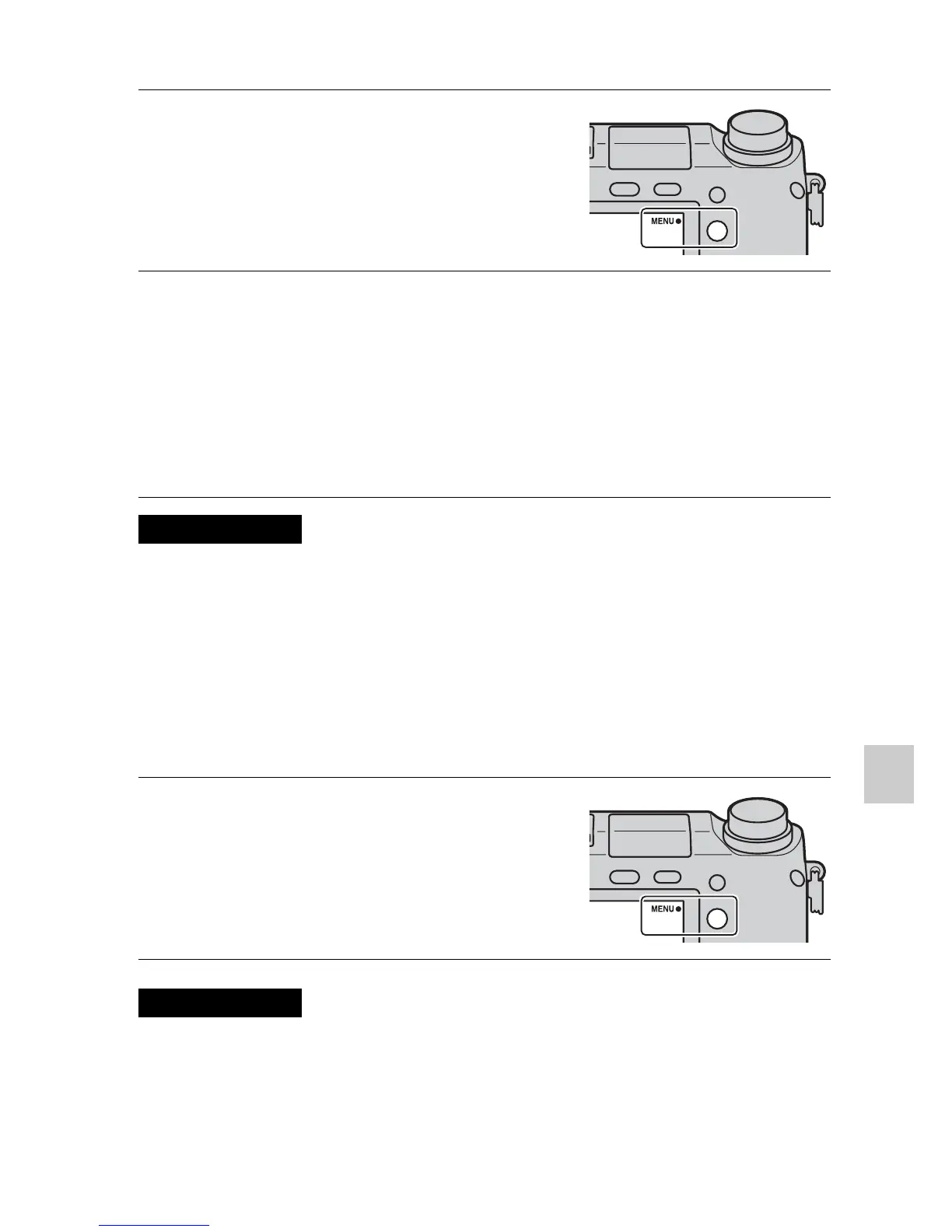
1
Select MENU t [Setup] t
[Access Point Settings].
2
Select the access point you want to register.
If the desired access point is displayed on the screen:
Select the access point.
If the desired access point is not displayed on the screen:
Select [Manual Setting] and set the access point following the instructions
on the screen.
• For details, refer to “α Handbook.”
Notes
1
Select MENU t [Playback]
t [Send to Computer].
Notes


 To Next Page
 Loading...











