GB
32
Mastering the basic operation
Deleting images
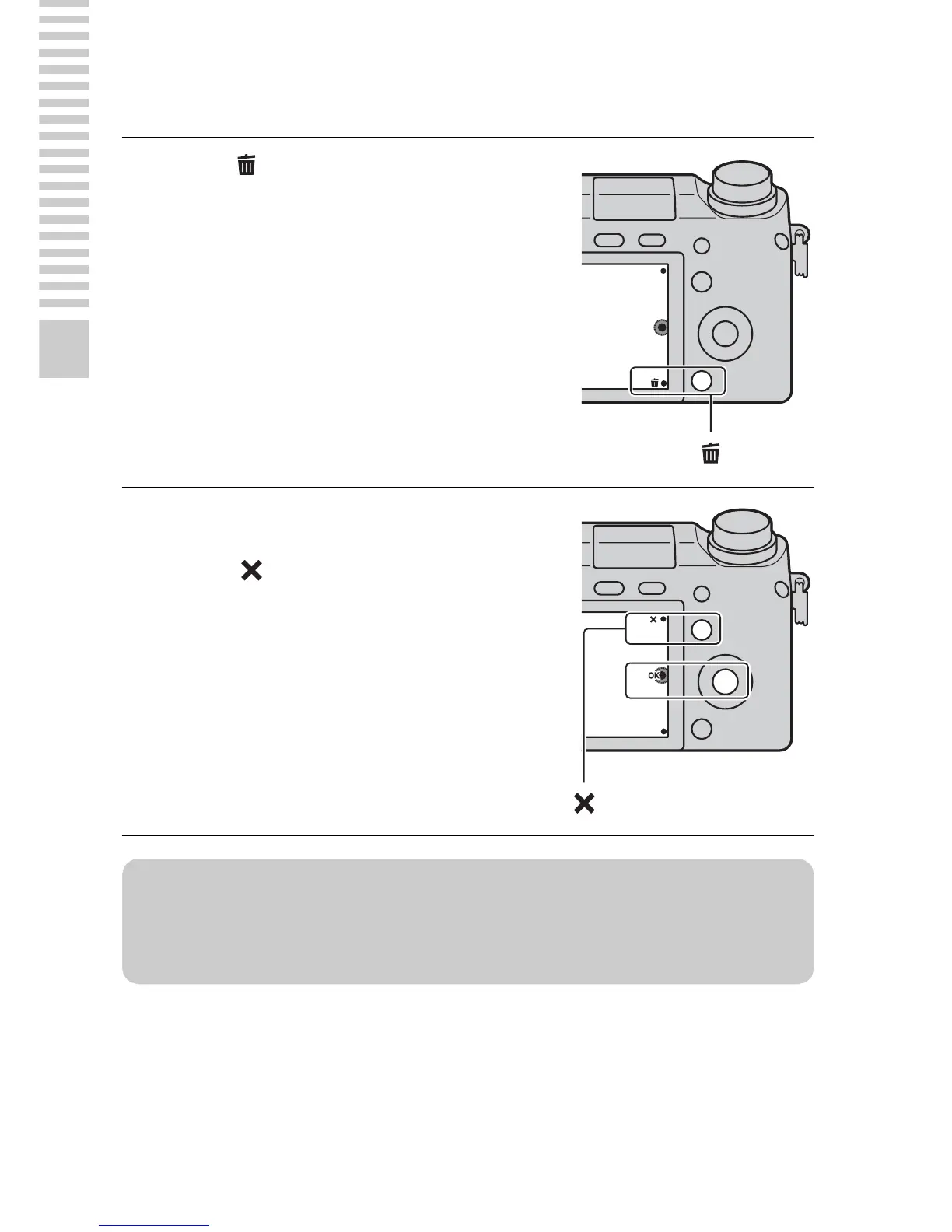
You can delete the image that is currently displayed.
1
Press (Delete).
2
Press the center of the control
wheel.
• Select to quit the operation.
z Deleting several images
Select MENU t [Playback] t [Delete] to select and delete several images at
the same time.


 To Next Page
 Loading...











