GB
49
Using the recording functions
The flash range
The range of the flash depends on the ISO sensitivity and aperture value.
Setting using the Fn (Function) button
F2.8 F3.5 F5.6
ISO100 1 m – 2.1 m
(3.3 feet – 6.9 feet)
1 m – 1.7 m
(3.3 feet – 5.6 feet)
1 m – 1.1 m
(3.3 feet – 3.6 feet)
ISO3200 5.6 m – 12 m
(18 feet – 39 feet)
4.5 m – 9.7 m
(15 feet – 32 feet)
2.8 m – 6 m
(9.2 feet – 20 feet)
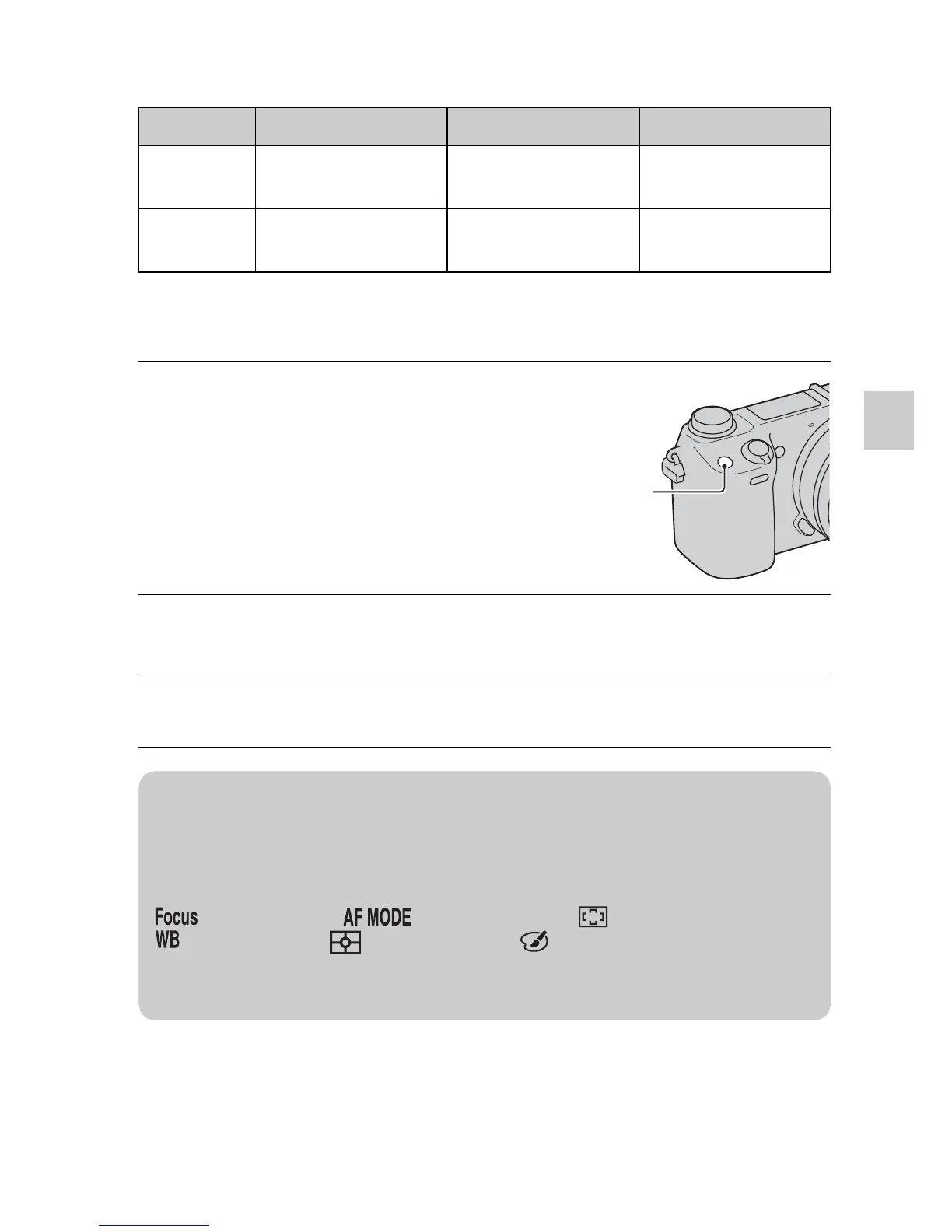
1
Press the Fn (Function)
button.
2
Select a desired function by pressing the right/left side of
the control wheel.
3
Turn the control wheel to select the desired settings.
Fn (Function)
button
z How to assign other functions to the Fn (Function)
button
The following functions are assigned to the Fn (Function) button by the default
settings.
(AF/MF Select)/ (Autofocus Mode)/ (Autofocus Area)/
(White Balance)/ (Metering Mode)/ (Picture Effect)
You can change the functions assigned to the Fn (Function) button by selecting
MENU t [Setup] t [Function Menu Settings].



 To Next Page
 Loading...










