-
Connecting an audio device
1 Be sure that both this unit and the
audio device are switched to
Bluetooth signal on.
2 Connect to this unit using the audio
device.
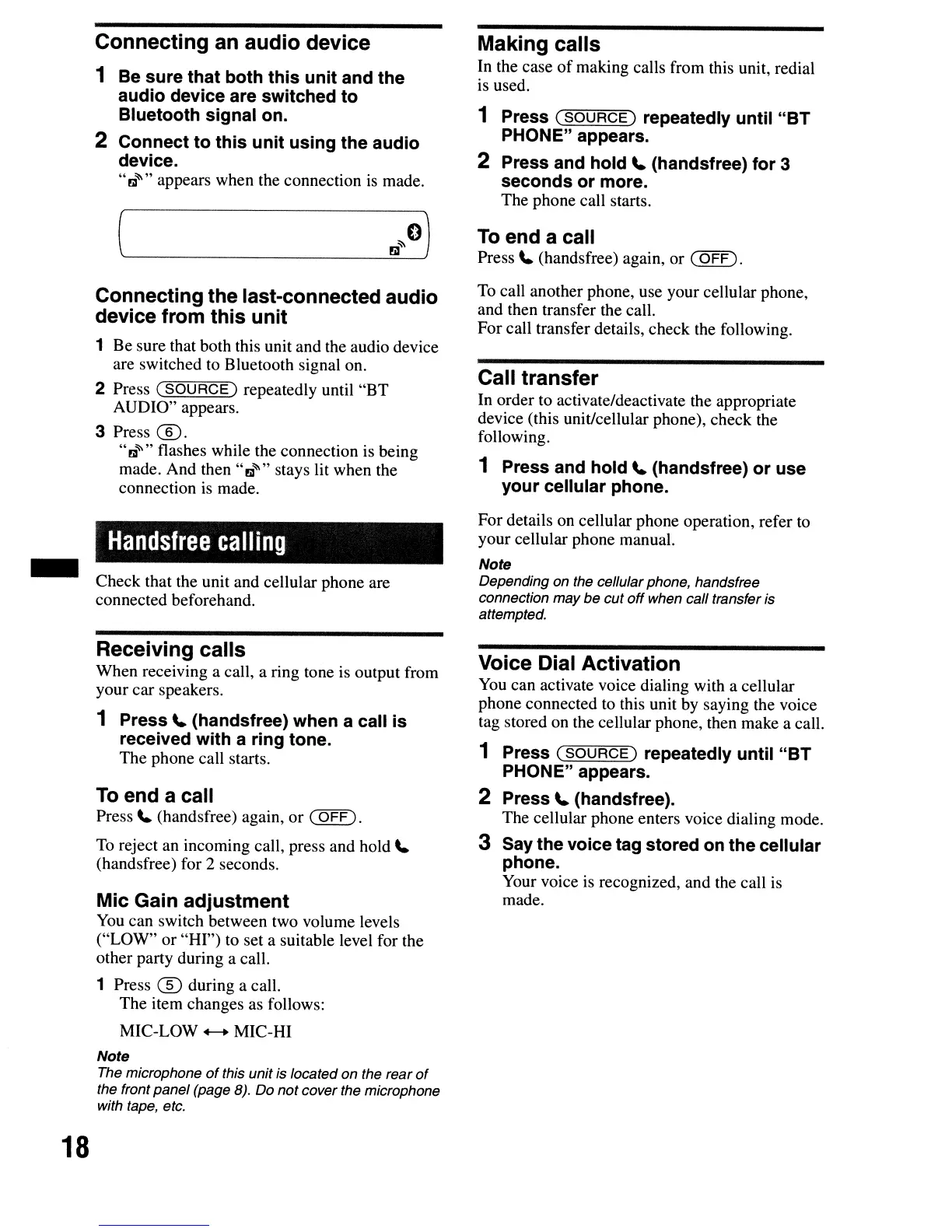
"~~"
appears when the connection
is
made.
Connecting the last-connected audio
device from this unit
1 Be sure that both this unit and the audio device
are switched to Bluetooth signal on.
2 Press
(SOURCE)
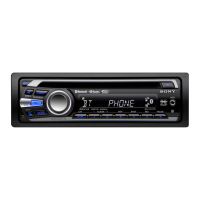
repeatedly until
"BT
AUDIO" appears.
3 Press
®.
"~"""
flashes while the connection is being
made. And then
"~~"
stays lit when the
connection
is
made.
Handsfree
calling
Check that the unit and cellular phone are
connected beforehand.
Receiving calls
When receiving a call, a ring tone is output from
your car speakers.
1 Press
\.
(handsfree) when a call is
received with a ring tone.
The phone call starts.
To
end a call
Press
\.
(handsfree) again, or
(OFF).
To
reject an incoming call, press and hold
\.
(handsfree) for 2 seconds.
Mic Gain adjustment
You
can switch between two volume levels
("LOW" or "HI") to set a suitable level for the
other party during a call.
1 Press
® during a call.
The item changes as follows:
MIC-LOW
+-+
MIC-HI
Note
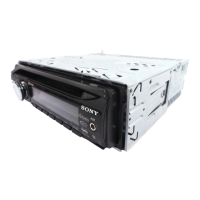
The microphone
of
this unit is located on the rear
of
the front panel (page 8). Do not cover the microphone
with tape, etc.
Making calls
In the case
of
making calls from this unit, redial
is used.
1 Press
(SOURCE)
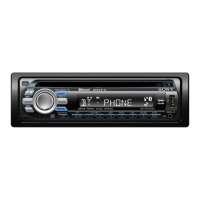
repeatedly until "BT
PHONE" appears.
2 Press and hold
\.
(handsfree) for 3
seconds or more.
The phone call starts.
To
end a call
Press
\.
(handsfree) again, or
(OFF).
To
call another phone, use your cellular phone,
and then transfer the call.
For call transfer details, check the following.
Call transfer
In order to activate/deactivate the appropriate
device (this unit/cellular phone), check the
following.
1 Press and hold
\.
(handsfree) or use
your cellular phone.
For details on cellular phone operation, refer to
your cellular phone manual.
Note
Depending on the cellular phone, handsfree
connection may be cut
off
when call transfer is
attempted.
Voice Dial Activation
You
can activate voice dialing with a cellular
phone connected to this unit by saying the voice
tag stored on the cellular phone, then make a call.
1 Press
(SOURCE)
repeatedly until "BT
PHONE" appears.
2 Press
\.
(handsfree).
The cellular phone enters voice dialing mode.
3 Say the voice tag stored on the cellular
phone.
Your voice is recognized, and the call is
made.
18


 To Next Page
 Loading...