1
While
pushing
the
VOL
control,
press
and
hold
(SEL).
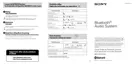
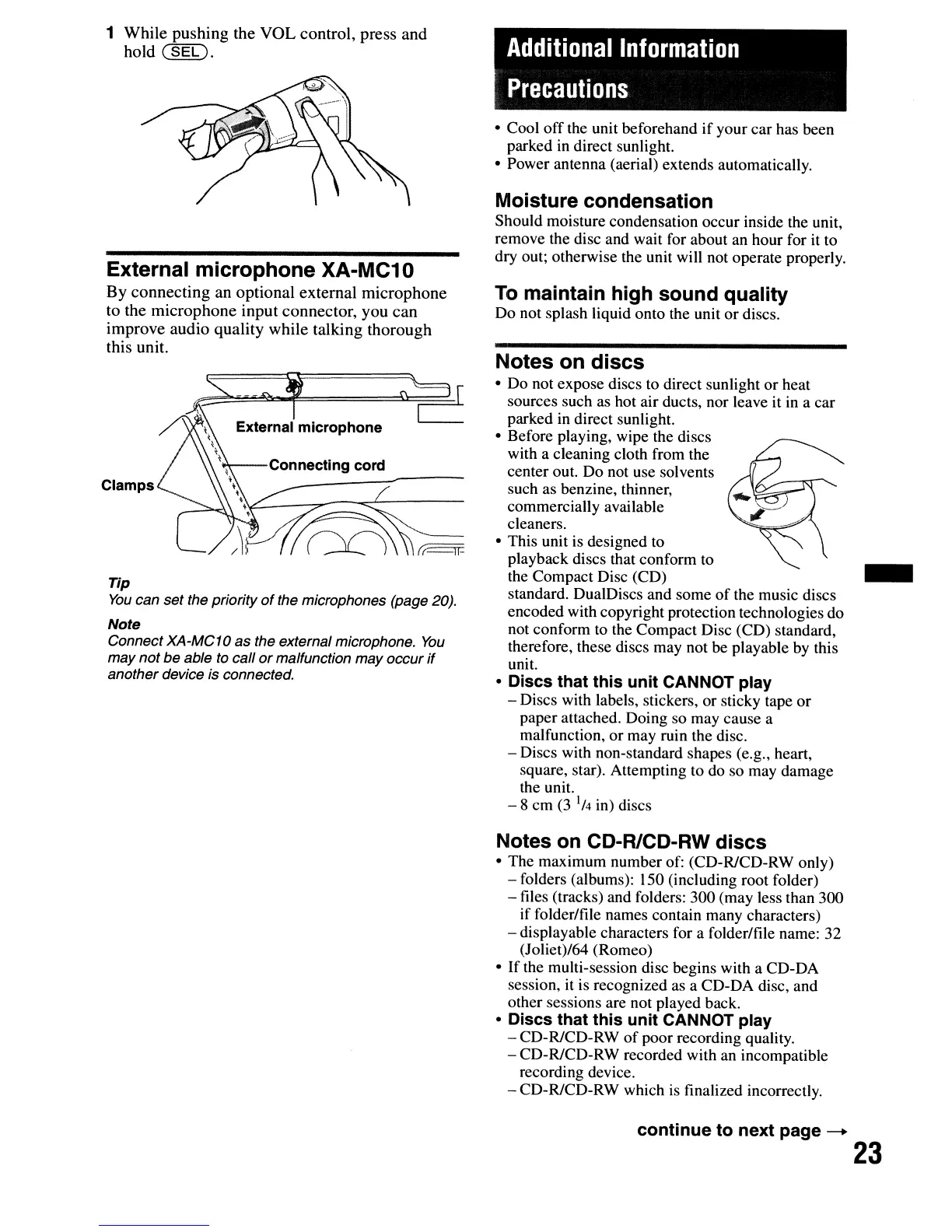
External microphone XA-MC10
By
connecting
an
optional
external
microphone
to
the
microphone
input
connector,
you
can
improve
audio
quality
while
talking
thorough
this
unit.
Clamps
Tip
You
can set the priority
of
the microphones (page 20).
Note
Connect XA-MC1O
as the external microphone.
You
may
not
be
able to call
or
malfunction may occur
if
another device is connected.
Additional Information
Precautions
• Cool
off
the unit beforehand if your car has been
parked in direct sunlight.
• Power antenna (aerial) extends automatically.
Moisture condensation
Should moisture condensation occur inside the unit,
remove the disc and wait for about an hour for it to
dry out; otherwise the unit will not operate properly.
To
maintain high sound quality
Do not splash liquid onto the unit
or
discs.
Notes on discs
•
Do
not expose discs to direct sunlight
or
heat
sources such as hot air ducts, nor leave it in a car
parked
in
direct sunlight.
• Before playing, wipe the discs
with a cleaning cloth from the
center out. Do not use solvents
such as benzine, thinner,
commercially available
cleaners.
• This unit is designed to
playback discs that conform to
the Compact Disc (CD)
standard. DualDiscs and some
of
the music discs
encoded with copyright protection technologies do
not conform
to
the Compact Disc (CD) standard,
therefore, these discs may not be playable by this
unit.
• Discs that this unit CANNOT play
- Discs with labels, stickers, or sticky tape
or
paper attached. Doing so may cause a
malfunction,
or
may ruin the disc.
- Discs with non-standard shapes (e.g., heart,
square, star). Attempting to do so may damage
the unit.
- 8
cm
(3
1/
4
in) discs
Notes
on
CD-R1CD-RW discs
• The maximum number of: (CD-RlCD-RW only)
- folders (albums): 150 (including root folder)
- files (tracks) and folders: 300 (may less than 300
if folder/file names contain many characters)
- displayable characters for a folder/file name: 32
(Joliet)/64 (Romeo)
•
If
the multi-session disc begins with a CD-DA
session, it is recognized as a CD-DA disc, and
other sessions are not played back.
• Discs that this unit CANNOT play
- CD-R/CD-RW
of
poor recording quality.
- CD-RlCD-RW recorded with an incompatible
recording device.
- CD-RlCD-RW which is finalized incorrectly.
continue to next
page
--+
23


 To Next Page
 Loading...