34
GB
Table of
contents
Sample photo Menu Index
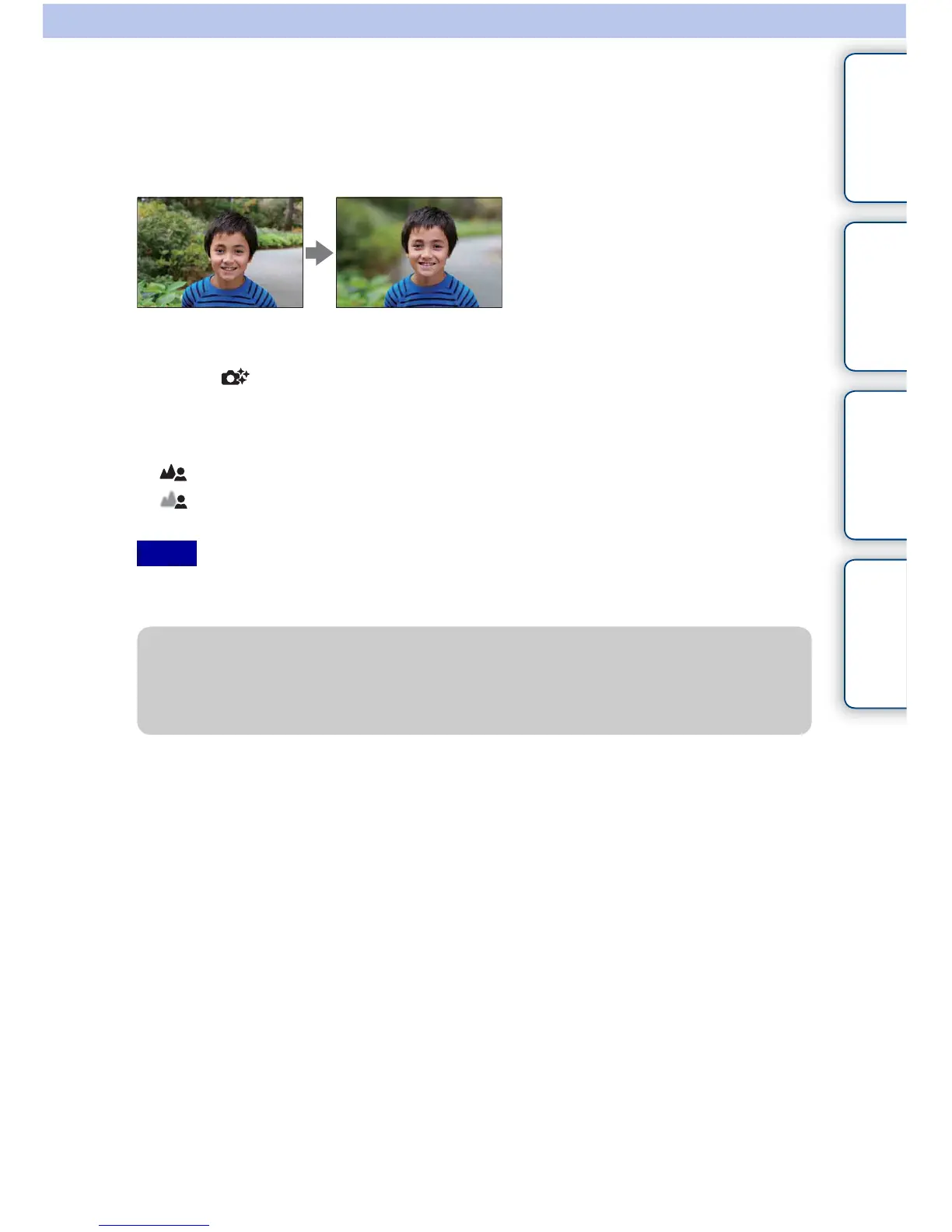
Background Defocus
Photo Creativity allows you to defocus the background easily to make the subject stand
out, while checking the defocusing effect on the LCD monitor. You can record a movie
with a value adjusted with the defocusing effect.
1 MENU t [Shoot Mode] t [Intelligent Auto].
2 Select (Photo Creativity).
3 Select [Bkground Defocus].
4 Defocus the background.
: To focus
: To defocus
Select AUTO to restore to the original status.
• The defocusing range available depends on the lens used.
• The defocusing effect may not be noticeable, depending on the distance from the subject or the lens used.
Notes
z For a better result of Background Defocus
• Move closer to the subject.
• Lengthen the distance between the subject and the background.


 To Next Page
 Loading...











