65
GB
Table of
contents
Sample photo Menu Index
Program Auto
While exposure is adjusted by the camera automatically, you can set shooting functions
such as ISO sensitivity, Creative Style, D-Range optimizer.
1 MENU t [Shoot Mode] t [Program Auto].
2 Set the shooting functions to your desired settings.
3 Adjust the focus and shoot the subject.
• You cannot select [Flash Off] and [Autoflash] in [Flash Mode]. Select it by pushing the flash up or down
with your fingers.
Note
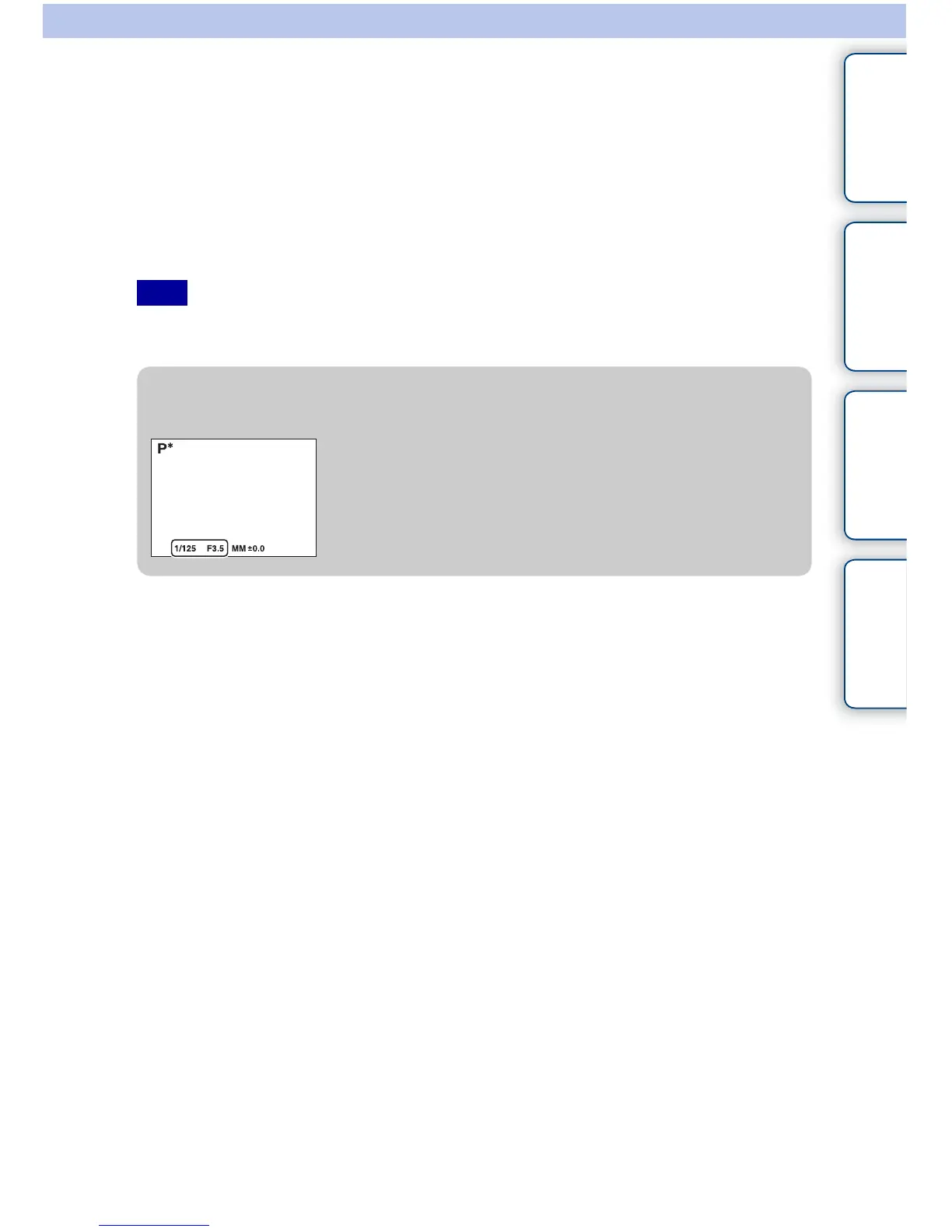
z Program Shift
You can change the shutter speed and aperture (F-value)
combination without changing the exposure you set, when you
do not use the flash.
Turn the control wheel to select the shutter speed and aperture
(F-value) combination.
• The recording mode indicator changes from P to P*.


 To Next Page
 Loading...











