47
GB
Table of
contents
Sample photo Menu Index
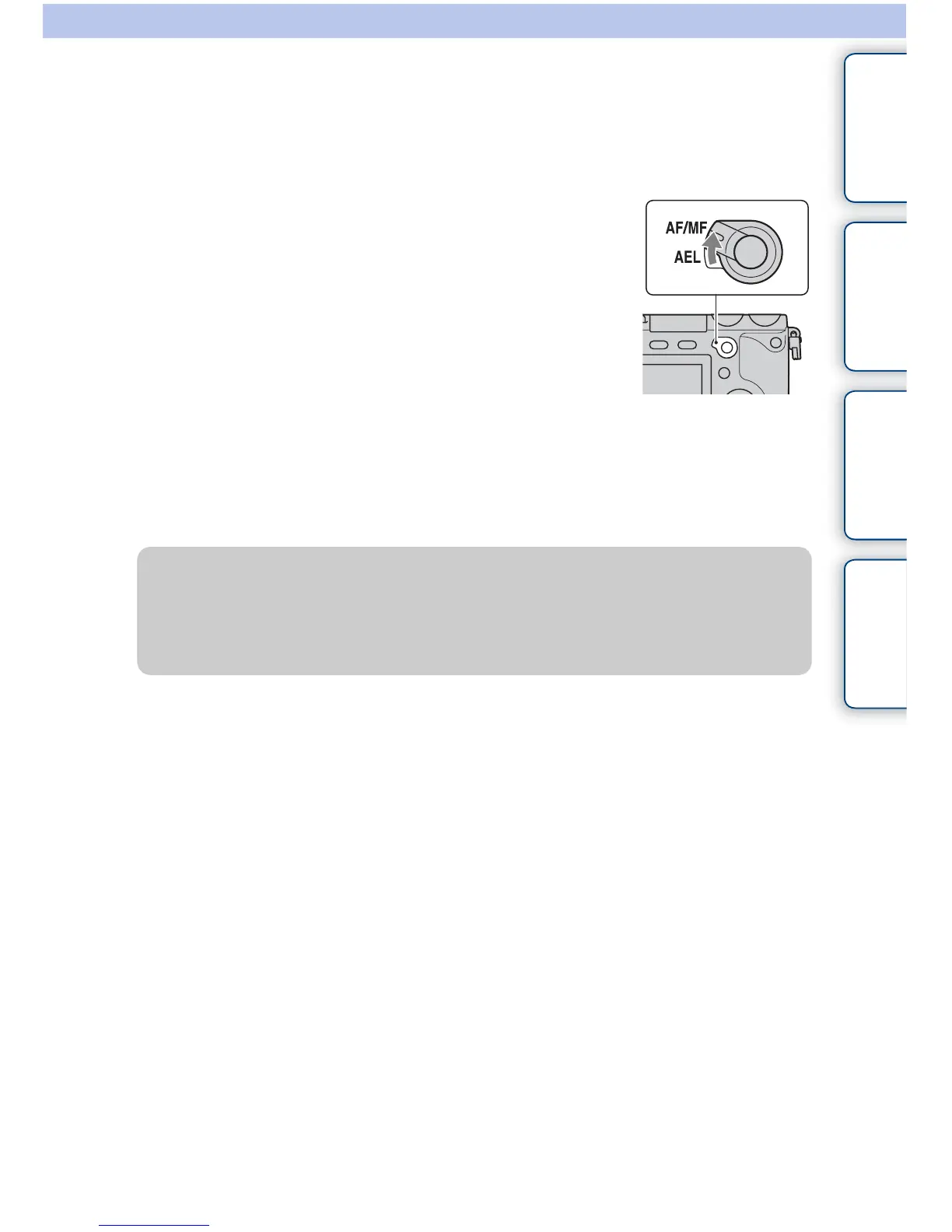
AF/MF (AF/MF control)
You can switch the focusing mode between auto and manual temporarily. If you do so, in
the [Autofocus] or [DMF] mode, the focusing mode becomes manual. In the [Manual
Focus] mode, the focusing mode becomes [Autofocus].
1 Set the AF/MF/AEL switch lever to AF/MF.
2 Press the AF/MF button to switch the focusing mode.
The focusing mode remains switched while you press and hold down the AF/MF
button in the default setting. You can keep the focusing mode switched until you press
the AF/MF button again. Select MENU t [
Setup] t [AF/MF control].
z Changing the function of the AF/MF button
You can change the function assigned to make the button work as the [Focus Settings] or
[MF Assist] button.
Select MENU t [Setup] t [Custom Key Settings] t [AF/MF button] t desired setting.


 To Next Page
 Loading...










