Back Back to Top Print
Go to Page Top
Digital Music Player
NW-E393/E394/E395
Presetting your equalizer settings
You can preset the value of the 5 band equalizer as a custom setting.
1. In the music playback screen, display the option menu and select [Equalizer] -
[Custom].
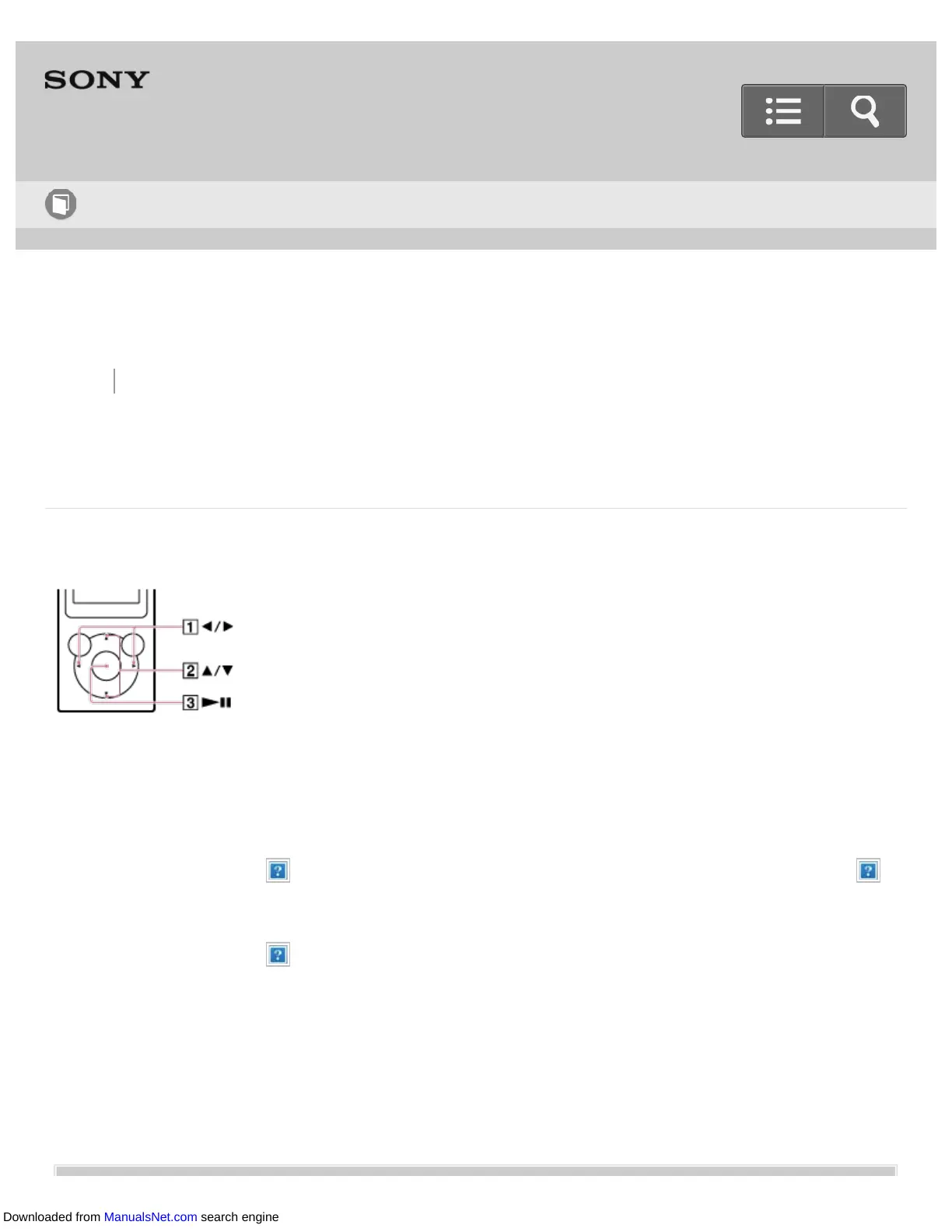
2. Press the button ( ) to select the frequency range setting, and press the button ( )
to adjust the setting level.
3. Press the button ( ) to confirm.
Help Guide
How to Use
Downloaded from ManualsNet.com search engine


 To Next Page
 Loading...







