Back Back to Top Print
Digital Music Player
NW-E393/E394/E395
How to use the operating explanations
This Help Guide shows icons on your Walkman as follows: [Music], [Settings]. Items
such as menus on the screen are shown as follows: [Album], [Play Mode].
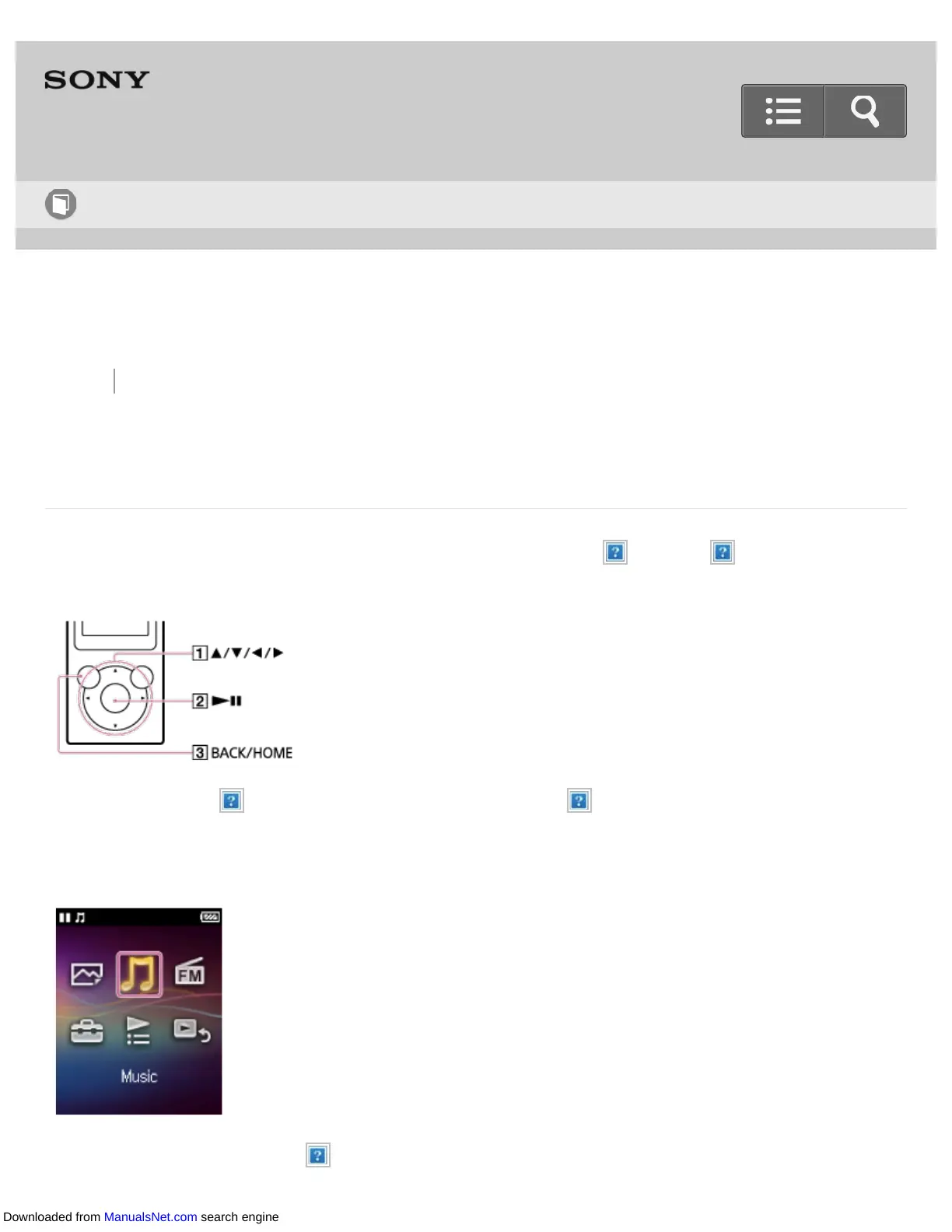
Press the button ( ) to select items. Press the button ( ) to confirm.
Home menu
Press and hold the button ( ) to display the Home menu.
Help Guide
How to Use
Downloaded from ManualsNet.com search engine


 To Next Page
 Loading...







