SELECTING THE SCENE TEMPLATES
24 En
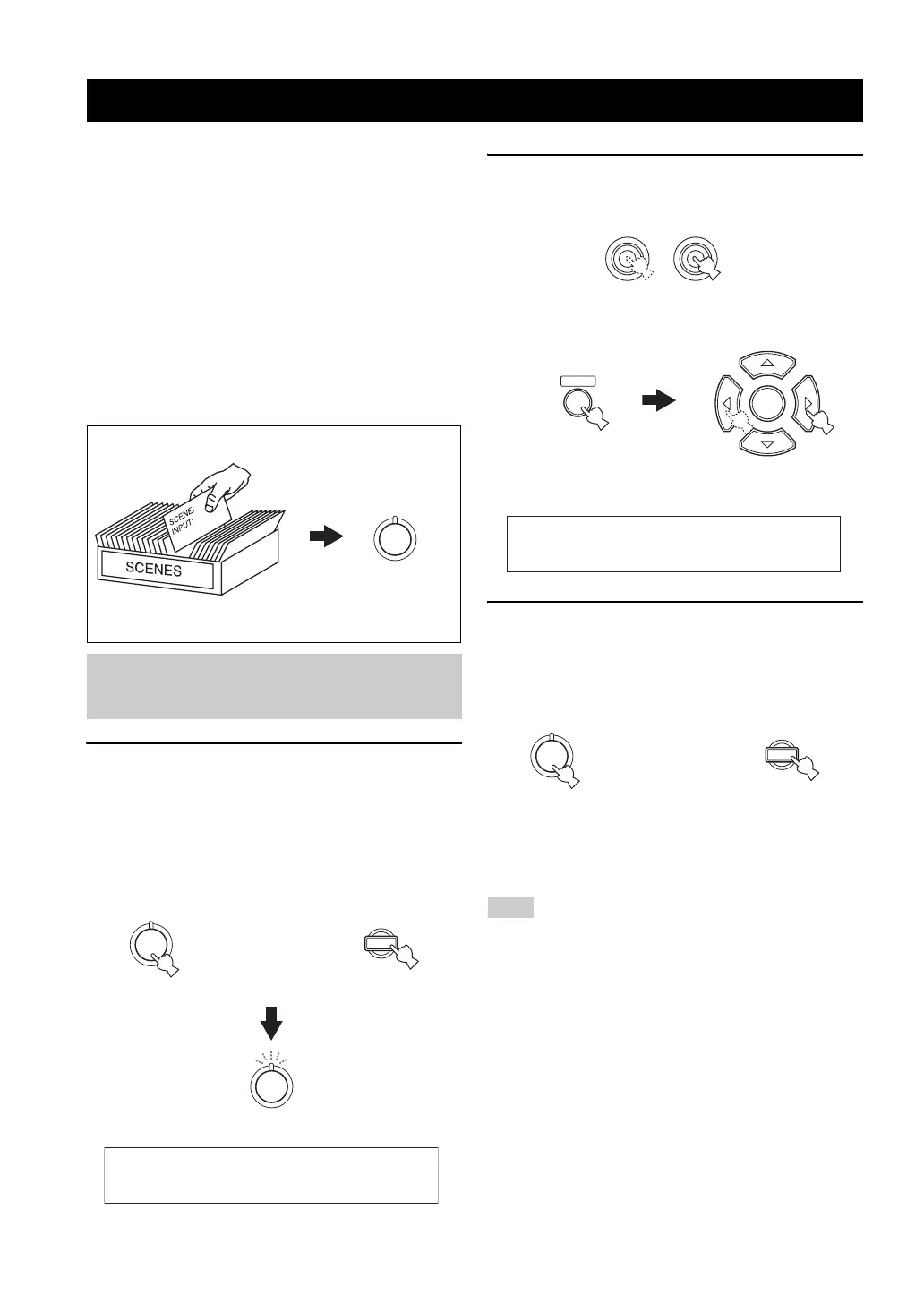
This unit is equipped with 13 preset SCENE templates for
various situations of using this unit. As the initial factory
setting, the following SCENE templates are assigned to
each SCENE button:
SCENE 1: DVD Viewing
SCENE 2: Disc Listening
SCENE 3: TV Viewing
SCENE 4: Radio Listening
If you want to use other SCENE templates, you can select
the desired SCENE templates from the SCENE template
library and assign the templates to the selected SCENE
buttons on the front panel and the remote control.
1 Press and hold the desired
P
SCENE (or
5
SCENE) button for 3 seconds.
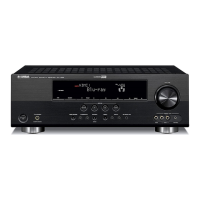
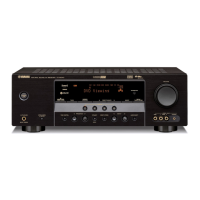
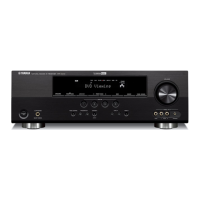
The indicator on the selected SCENE button on the
front panel starts to flash, and the name of currently
assigned SCENE template appears in the front panel
display.
2 Press
N
INPUT l / h (or press
4
AMP and
then
7
l / h) to select the desired template.
3 Press the
P
SCENE (or
5
SCENE) button
again to confirm the selection.
The selected SCENE template is assigned to the
button.
y
To cancel the procedure, press
4
AMP and then
8
RETURN.
Once the desired SCENE templates are assigned to the
corresponding SCENE buttons, you may need to set the input
source of the SCENE template on the remote control. See page 28
for details.
Selecting the SCENE templates
Selecting the desired SCENE
template
1
SCENE template library
(Image)
Select the desired SCENE template
Assign the
SCENE template
to the SCENE
button
1
DVD Viewing
1
1
or
Remote control
Flashes
3 seconds
3 seconds
Front panel
Note
l INPUT h
AMP
ENTER
DVD Movie View
or
Front panel
Remote control
1
1
or
Remote controlFront panel


 To Next Page
 Loading...