GUIDED TOUR
19
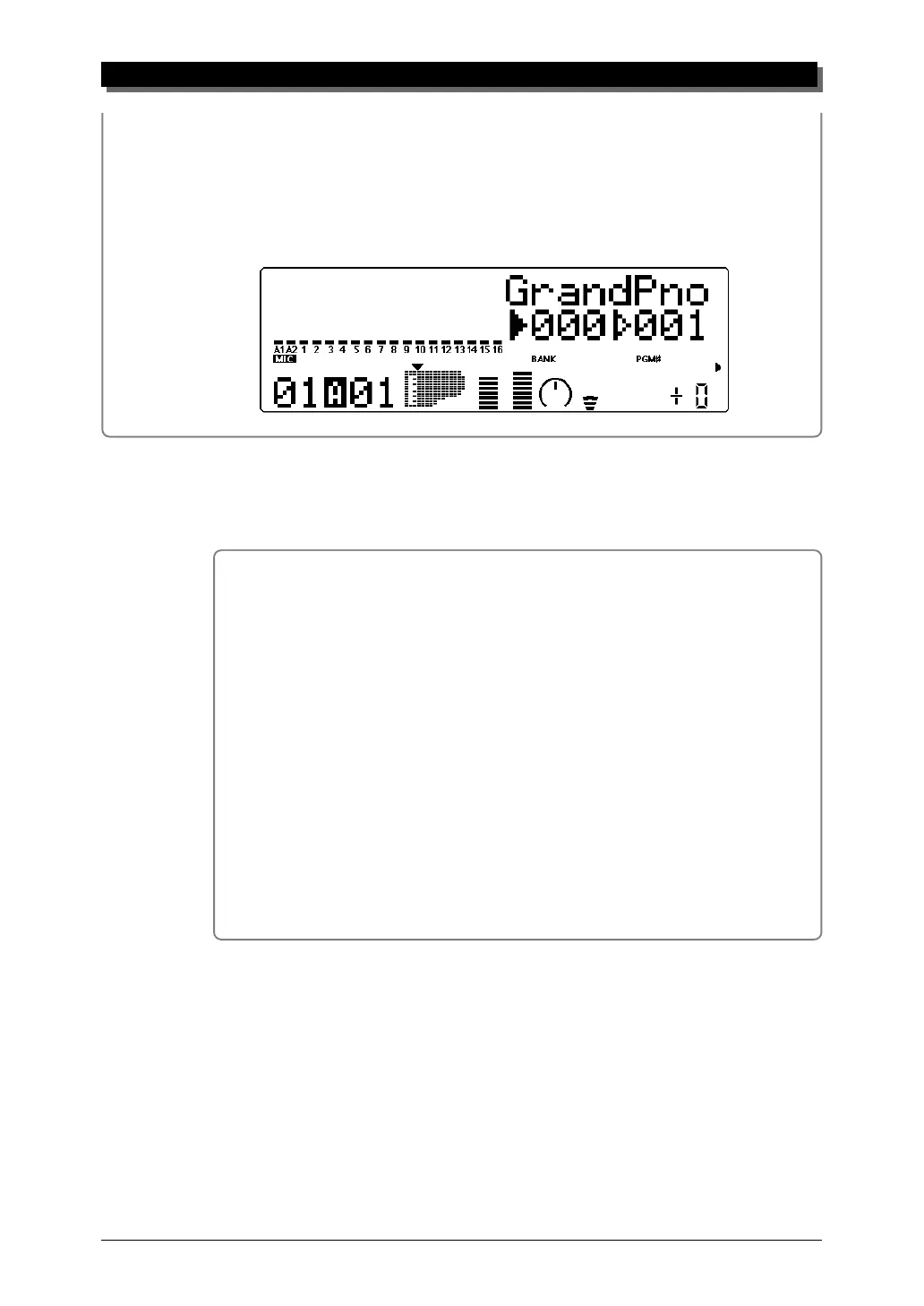
2 Use the VALUE q buttons to change the Bank number.
3 Finally, use the SELECT w buttons again to move the arrow cursor back
to the right side of the instrument icon — for Voice selection.
Selecting Voices From Your MIDI Keyboard
You can also select Voices remotely from the connected MIDI key-
board. Though the actual operation may differ depending on the
keyboard used, the general procedure is the same. (Refer to the
owner’s manual of your instrument for specific instructions.)
Operation
1 Make sure that your keyboard is set up to send Program Change
messages.
2 Use the panel controls to select a program on your keyboard.
Generally, if everything has been set up properly, the Voice number
and name on the MU80 will change, and will be the same number
as the program number you selected on your keyboard.



 To Next Page
 Loading...