MULTI MODE
37
Single Part Control
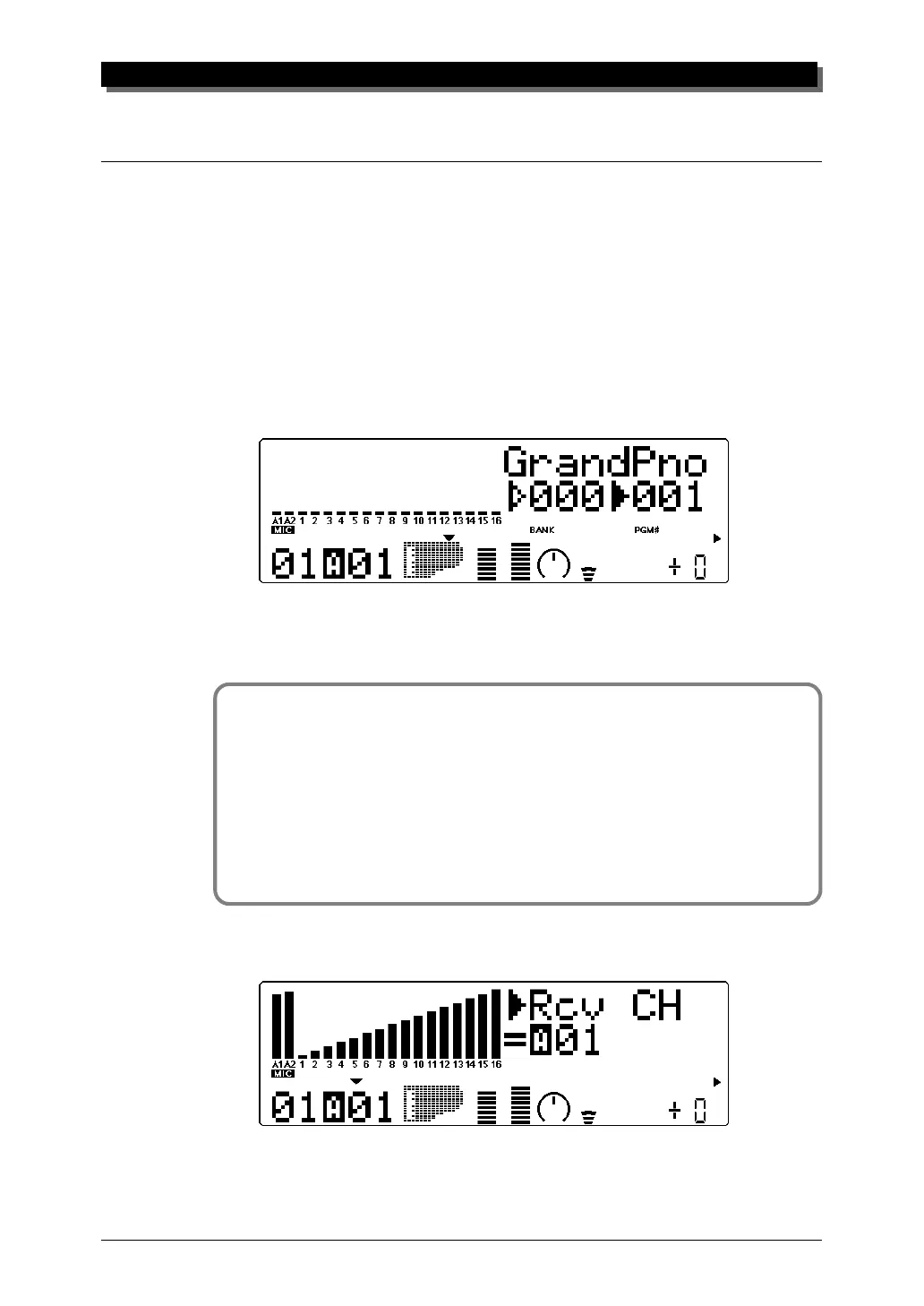
The Single Part controls include: MIDI Receive Channel, Bank Number,
Program Number, Volume, Expression, Pan, Reverb Send, Chorus Send,
Variation Send and Note Shift.
Selecting Single Part Control
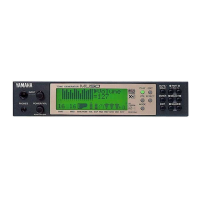
Single Part control is automatically called up when the MU80 is turned on.
If All Part is selected, simply press both PART q buttons simultane-
ously (or press the EXIT button) to return to Single Part.
Editing in Single Part
Operation
1 Select the Part to be edited by using the PART q buttons.
2 Select the desired control for the selected Part by using the
SELECT w buttons.
3 Change the value of the selected control by using the VALUE
q buttons.
MIDI Receive Port/Channel
Settings: A1 … A16, B1 … B16
This determines the MIDI IN port (A or B) and the receive channel
(1 … 16) for the selected Part.



 To Next Page
 Loading...