PERFORMANCE MODE
83
Copy and Store Operations
The Copy and Store operations allow you to save and organize the Perform-
ances you’ve created.
Copy
The Copy operation allows you to copy the settings of one Performance
program (Preset or Internal) to another Performance number (Internal
only).
Operation
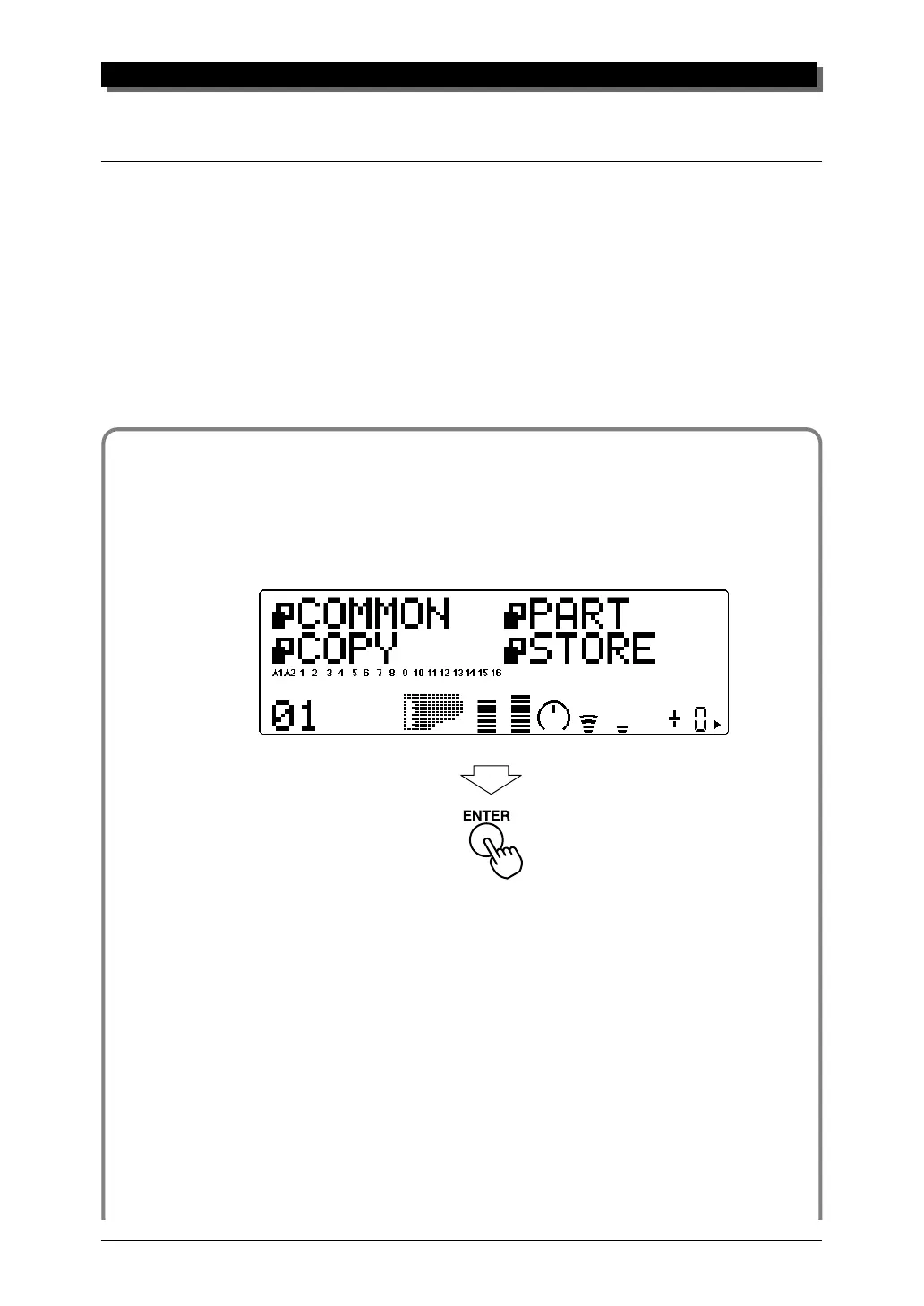
1 From the Performance Edit menu, use the SELECT w buttons
to select “COPY.” Then, press the ENTER button to call up the
Copy operation.
2 Use the SELECT w buttons to select the desired parameter:
memory location, source number or destination number. (The se-
lected parameter flashes.) Then use the VALUE q buttons to
change the value.



 To Next Page
 Loading...