88
EFFECT EDIT MODE
Chorus
The Chorus section uses pitch modulation to create a variety of rich, spa-
cious-sounding effects, including Chorus, Flanger, Symphonic and Phaser.
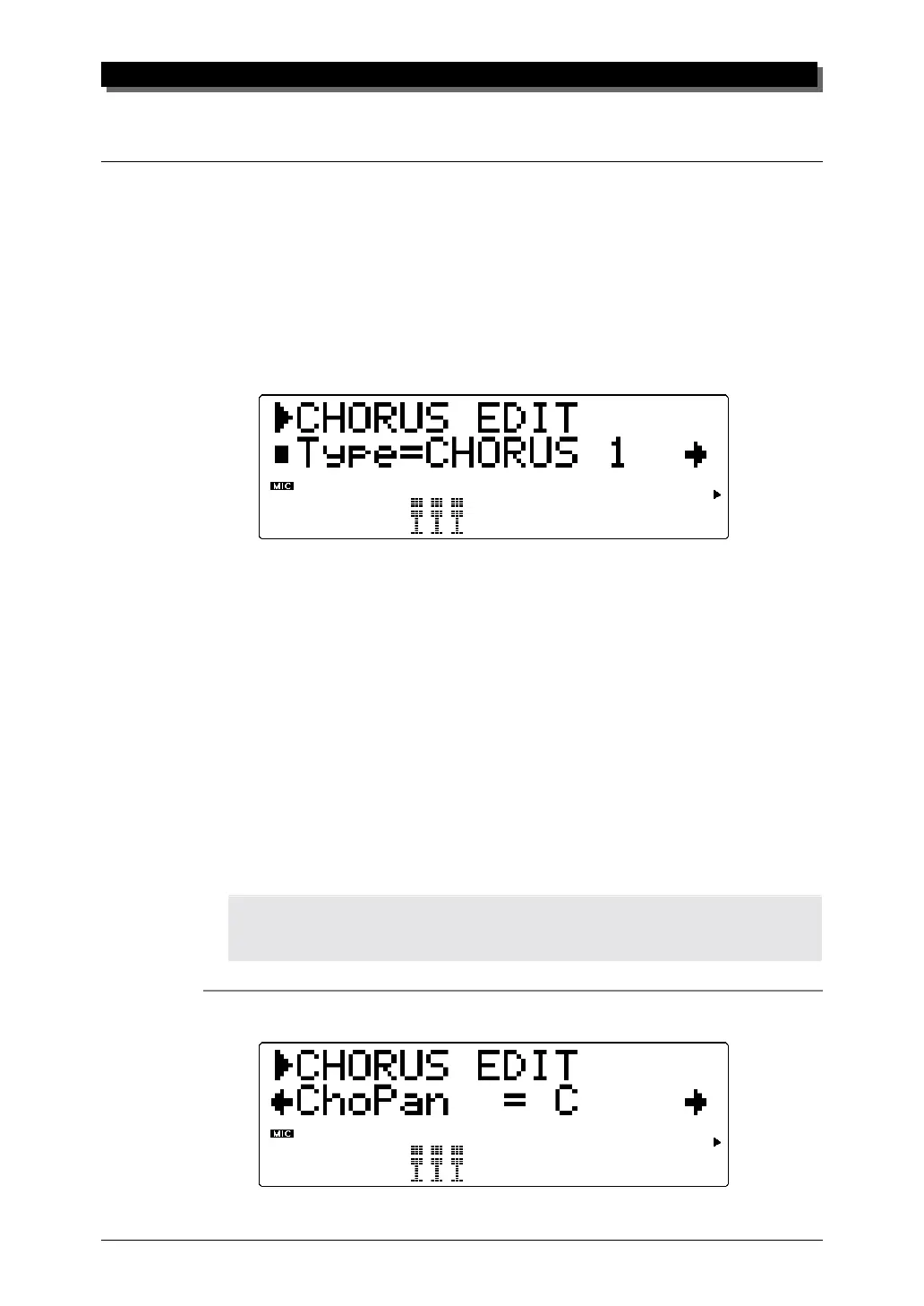
Explanations of the Chorus Type and Chorus Pan parameters are given
below. For descriptions and explanations for all other Chorus parameters,
refer to the separate SOUND LIST & MIDI DATA booklet.
Type
Settings: NO EFFECT, CHORUS 1, CHORUS 2, FLANGER 1,
FLANGER 2, SYMPHONIC, PHASER
Default: CHORUS 1
This determines the Chorus Type. Depending on the Type selected,
the specific parameters and values may differ.
Chorus 1 and 2 are used to subtly enhance the sound, and generally make it
richer, fatter and warmer. Flanger uses modulation to create an animated,
swirling motion effect, and produces a characteristic metallic sound. Sym-
phonic also subtly enhances the sound by making a single instrument Voice
sound like several. Phaser is similar to Flanger, but with a stronger and
deeper modulation.
NOTE
When NO EFFECT is selected, Chorus is off and none of the other Chorus parameters are
available (with the exception of the Chorus Pan and Send Chorus to Reverb parameters).
Chorus Pan (ChoPan)



 To Next Page
 Loading...