86
EFFECT EDIT MODE
Effect Edit Mode
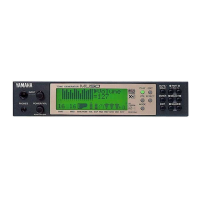
The MU80 features a built-in multi-effect processor with five independent dig-
ital effects: Reverb, Chorus, Variation, Distortion and EQ. The first four of these
are controlled in the Effect Edit mode.
In this section, only the effect Types and the global parameters common to
all Types are covered. For descriptions and details on the parameters for each
effect Type, refer to the separate SOUND LIST & MIDI DATA booklet.
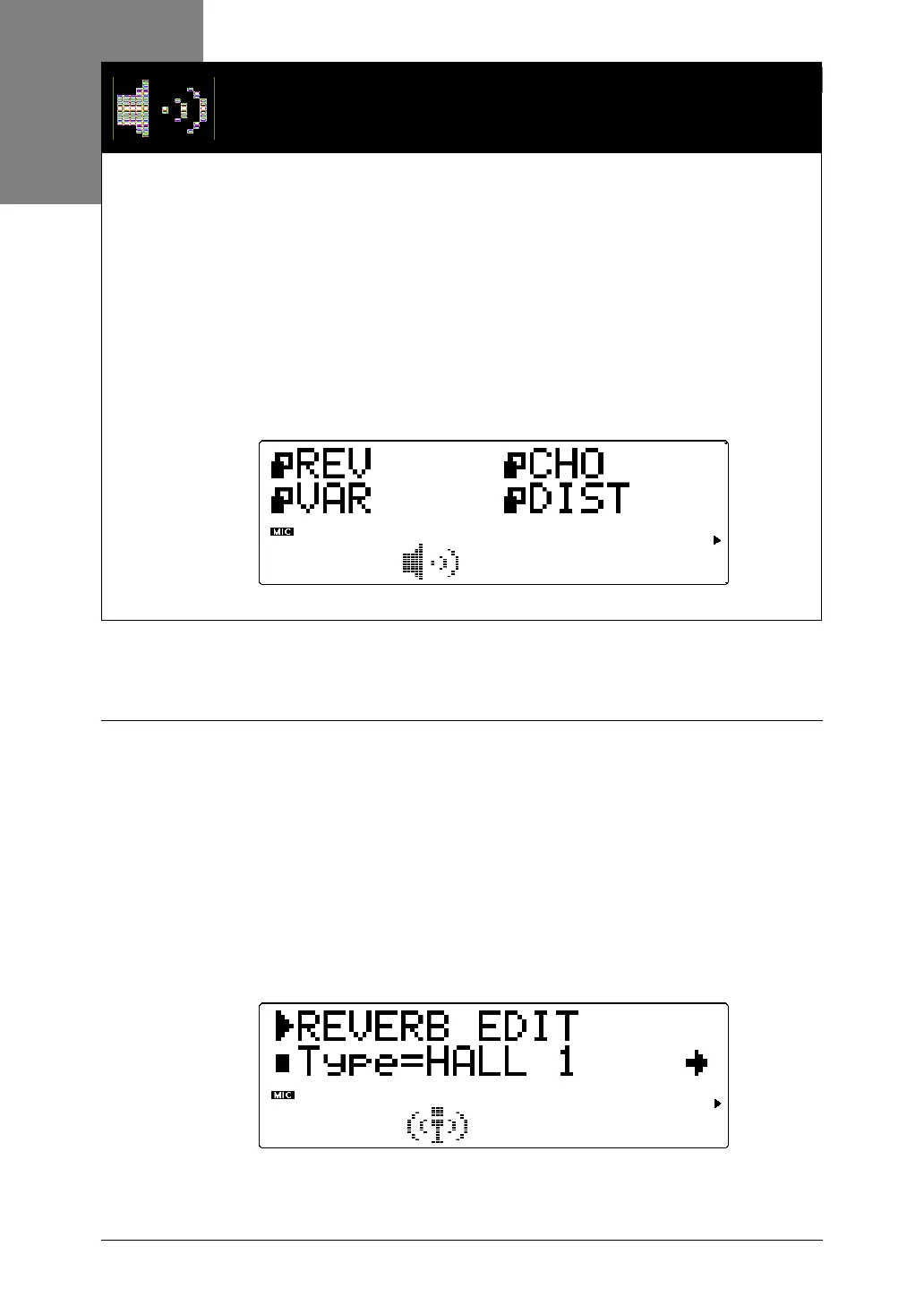
To enter the Effect Edit mode, press the EFFECT button. The following menu
appears:
Reverb (REV)
Reverb recreates the sounds of various performance environments by add-
ing an ambient wash of delays or reflections. Several different types of
Reverb effects are available to simulate the ambience of different sized
rooms.
Explanations of the Reverb Type and Reverb Pan parameters are given
below. For descriptions and explanations for all other Reverb parameters,
refer to the separate SOUND LIST & MIDI DATA booklet.
Type



 To Next Page
 Loading...