32
SOUND FIELD PROGRAMS
■ Enjoying 2-channel sources using the
standard decoders
Signals input from 2-channel sources can also be played
back on multi-channels.
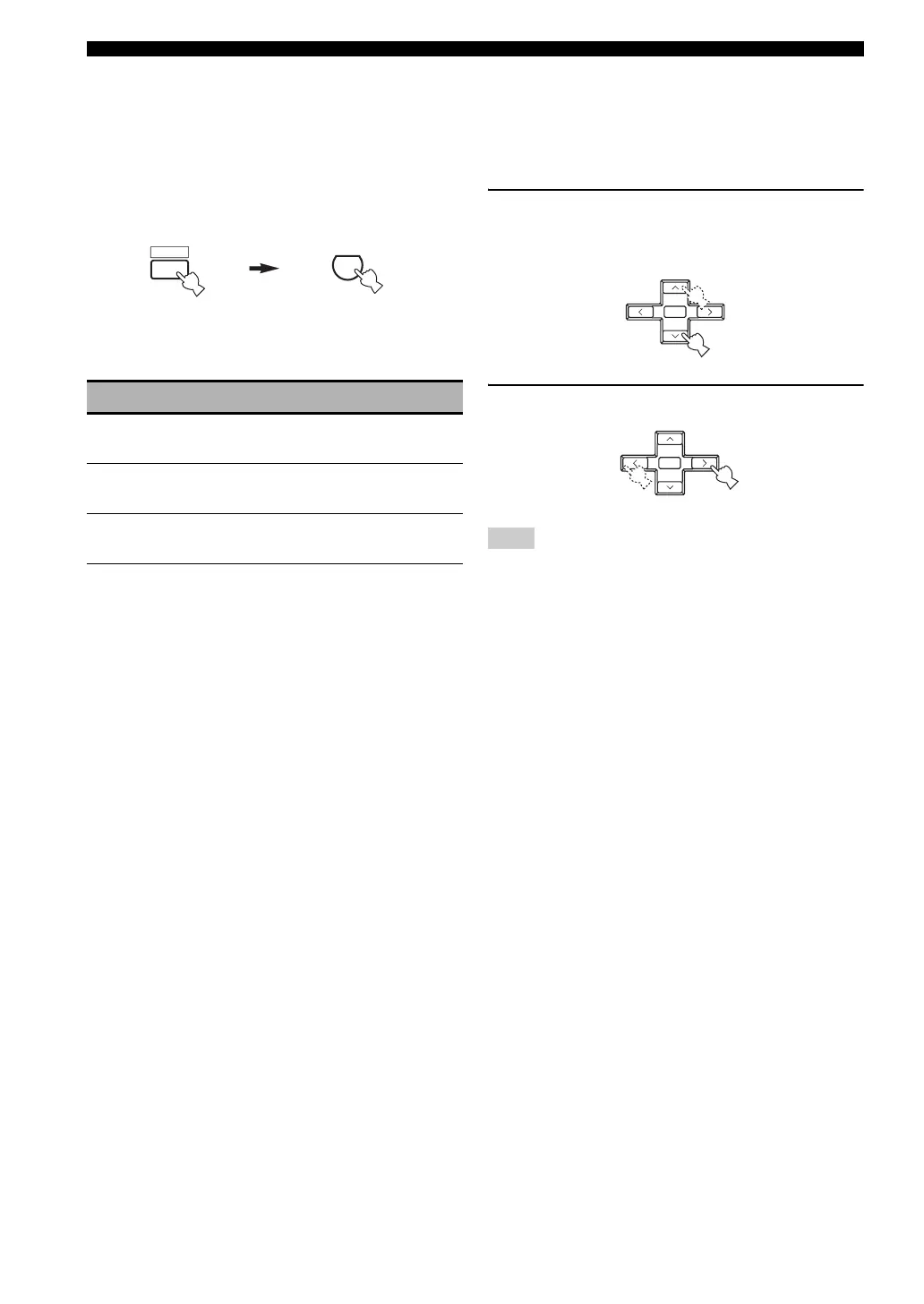
Press AMP on the remote control and then
STANDARD on the remote control repeatedly to
select a decoder.
You can select from the following decoders depending on
the type of source you are playing and your personal
preference.
y
You can also select a decoder by pressing j / i on the remote
control while the decoder type is displayed in the front panel
display.
■ Editing sound fields parameters
You can enjoy good quality sound with the factory preset
parameters. Although you do not have to change the initial
settings, you can change some of the parameters to better
suit the input source or your listening room.
1 While listening to a source, press AMP on the
remote control and then press u / d to
select the parameters.
2 Press j / i to change parameter value.
You cannot change parameter values when “MEM. GUARD” in
“OPTION MENU” is set to “ON” (see page 56).
STANDARD Functions
PRO LOGIC
Dolby Pro Logic processing for any
sources
PLII Movie
Dolby Pro Logic II processing for
movie sources
PLII Music
Dolby Pro Logic II processing for
music sources
AMP
5
STANDARD
Note
ENTER
PRESET/CH
A-E/CAT.
+
ENTER
PRESET/CH
A-E/CAT.
+


 To Next Page
 Loading...