GB
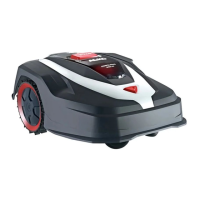
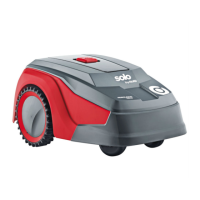
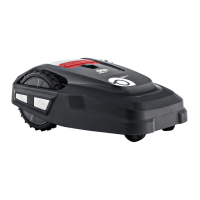
40 Robolinho
Product description
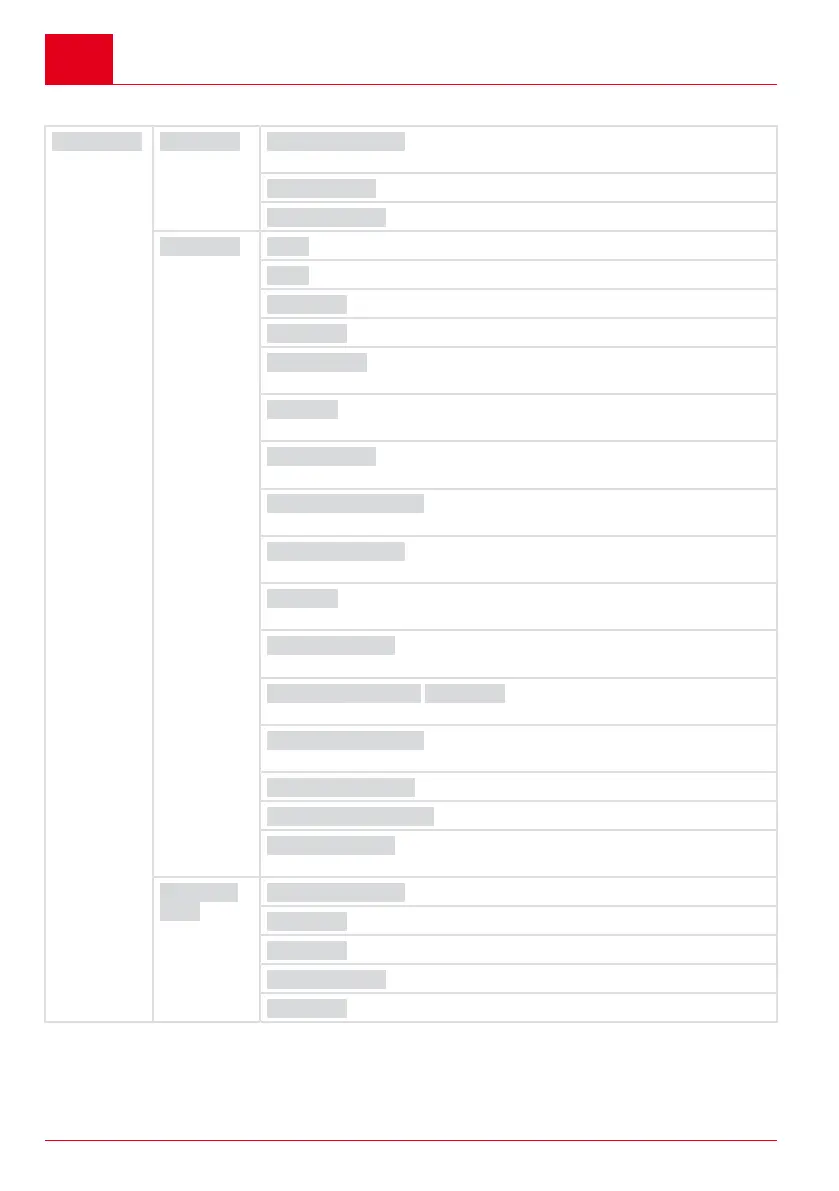
2.6 Menu structure
Main Menu Programs Weekly Program see chapter 7.5 "Setting the mowing program",
page51
Entry Point see chapter 7.5.2 "Setting the start points", page51
Program Info see chapter 8 "Displaying information", page53
Settings Time see chapter 5.2 "Making the basic settings", page49
Date see chapter 5.2 "Making the basic settings", page49
Language see chapter 5.2 "Making the basic settings", page49
PIN-Code see chapter 5.2 "Making the basic settings", page49
Key clicks see chapter 7.2 "Activating/deactivating the button
tones", page50
EcoMode see chapter 7.3 "Activating/deactivating Eco mode (Robolin-
ho 700/1200/2000)", page50 *
Rain sensorsee chapter 7.4 "Setting the rain sensor (Robolinho 450
W/700/1200/2000)", page51 *
After rain delay see chapter 7.4 "Setting the rain sensor
(Robolinho 450 W/700/1200/2000)", page51*
Rain sensitive see chapter 7.4 "Setting the rain sensor (Robolin-
ho 450 W/700/1200/2000)", page51*
inTOUCH see chapter 7.6 "inTOUCH (Robolinho models "W")",
page52
Margin mowing see chapter 7.7 "Edge mowing with a manual start",
page52
Sub zone active/disabled see chapter 7.8 "Setting the second-
ary area mowing", page52
Display contrast see chapter 7.9 "Setting the display contrast",
page52
Safety settings see chapter 7.10 "Setting lock", page53
Reset calibration see chapter 7.11 "Recalibrating", page53
Factory reset see chapter 7.12 "Restoring factory settings",
page53
Informa-
tion
Blades service see chapter 8 "Displaying information", page53
Hardware see chapter 8 "Displaying information", page53
Software see chapter 8 "Displaying information", page53
Program Info see chapter 8 "Displaying information", page53
Failures see chapter 8 "Displaying information", page53
* Robolinho 700/1200/2000



 To Next Page
 Loading...