19
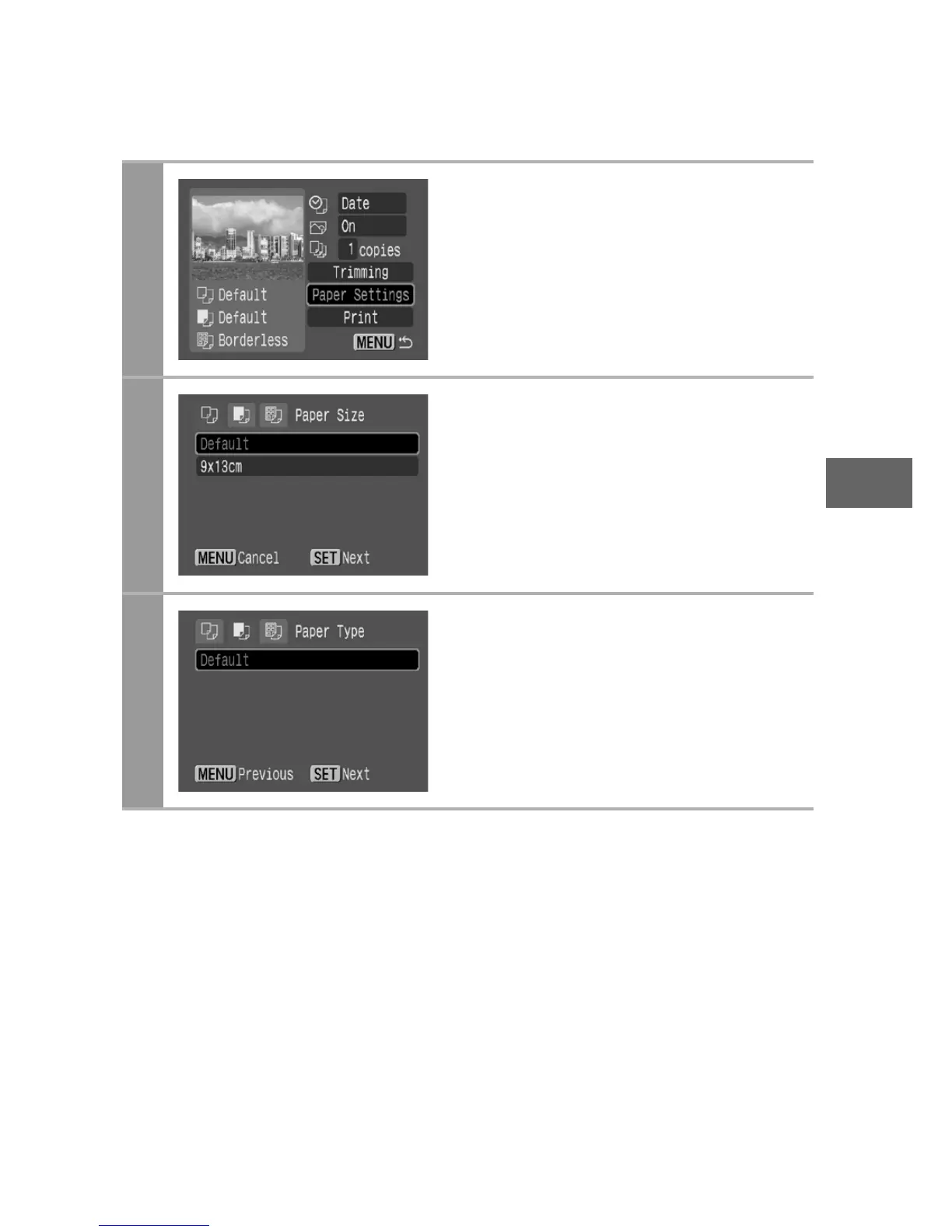
Selecting the Paper Settings
1
Select [Paper Settings] and
press the SET button.
The paper size setting screen
appears.
2
Select a paper size and press
the SET button.
The default settings and specified
paper cassette size are displayed.
The paper type setting screen
appears.
* Paper sizes vary according to region.
3
Press the SET button.
The page layout screen appears.


 To Next Page
 Loading...












