24
Rec. Menu
*Default setting
*1 Allows you to display a grid (9 sections) on the LCD monitor to help in
determining the X- and Y-axis of the subject and composing the shot. The
grid lines will not be recorded in the image.
Play Menu
Print Menu
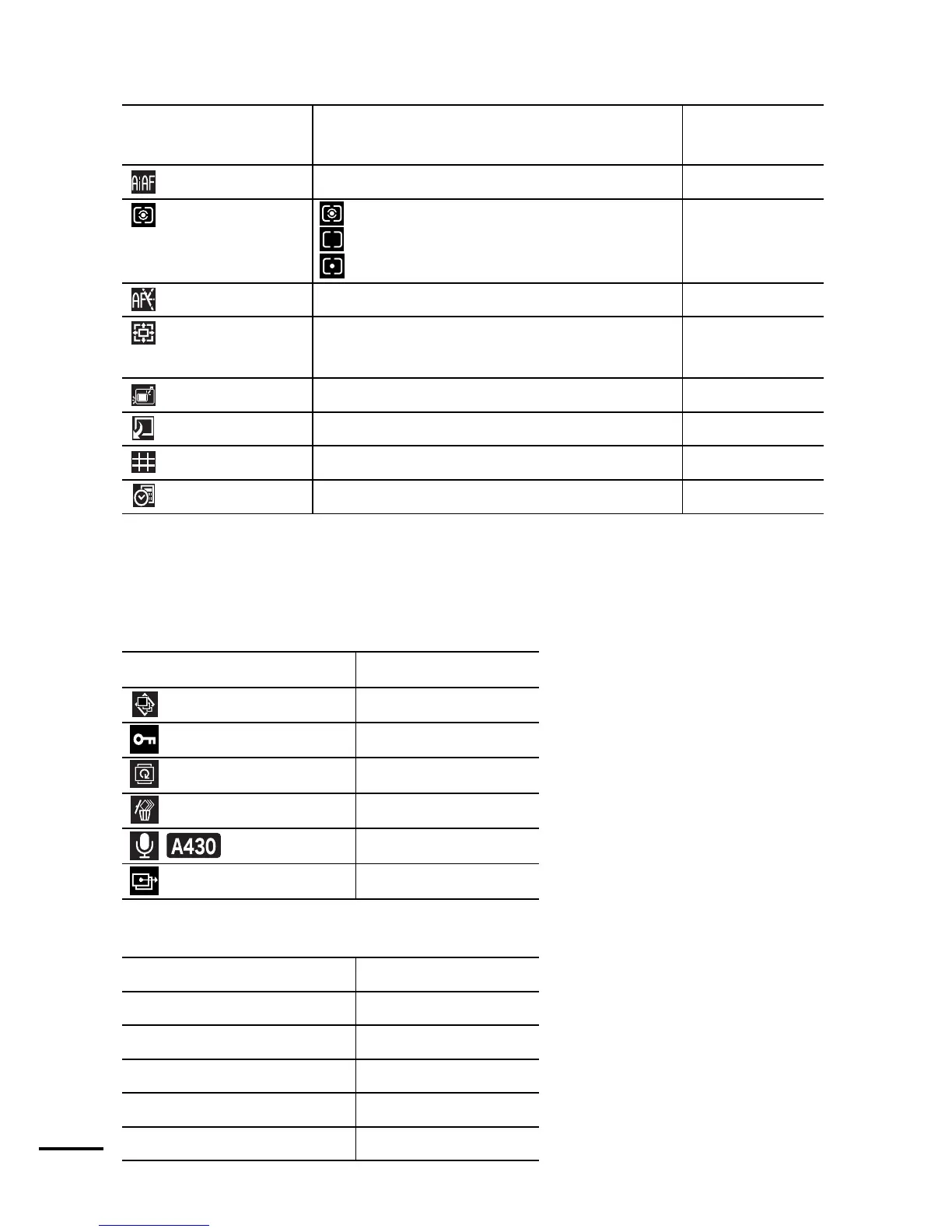
Menu Item Options
Reference
Page
AiAF
On*/Off p. 46
Metering Mode * Evaluative,
Center-Weighted Average,
Spot
p. 47
AF-assist Beam On*/Off -
Digital Zoom On/Off*
(On in standard movie mode.)
p. 32
Review Off/2*–10 seconds/Hold
Basic Guide p. 5
Save Original On/Off* p. 45
Grid Lines*
1
On/Off* p. 24*
1
Date Stamp Off*/Date/Date & Time p. 34
Menu Item Reference Page
Auto Play p. 64
Protect p. 64
Rotate p. 62
Erase All p. 65
Sound Memo p. 62
Transfer Order p. 69
Menu Item Reference Page
Print p. 66
Select Images & Qty. p. 66
Select All Images p. 67
Clear All Selections p. 67
Print Settings p. 68


 To Next Page
 Loading...












