72
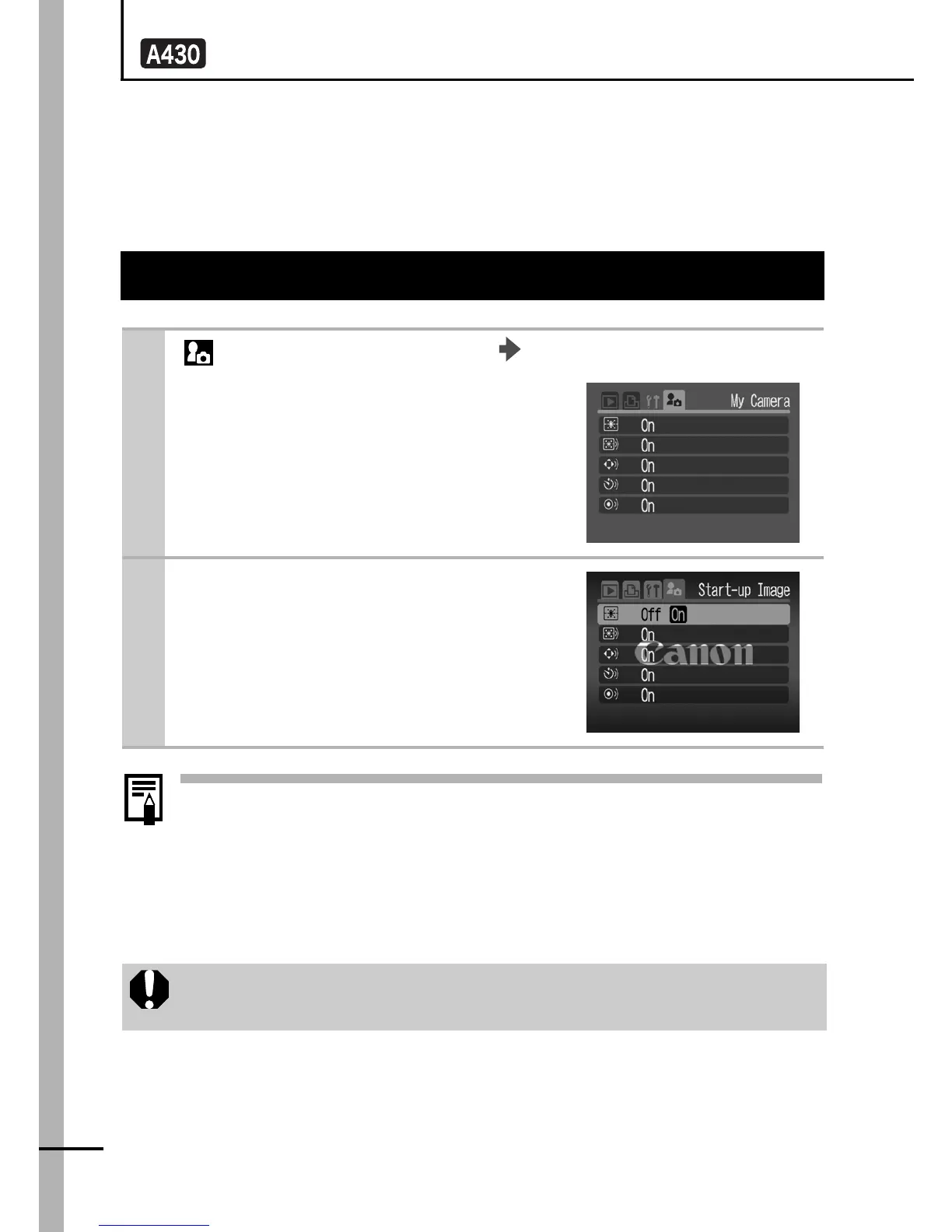
Customizing the Camera (My Camera Settings)
My Camera allows you to customize the start-up image and start-
up, operation, self-timer and shutter sounds. You can use the
supplied software to register image and sound settings on your
computer to the camera.
z For details on changing and registering My Camera
settings, refer to the supplied Software Starter Guide.
z A computer is required to return My Camera settings to
defaults. Use the supplied software (ZoomBrowser EX/
ImageBrowser) to register the default settings to the
camera.
Changing My Camera Settings
1
(My Camera) Menu Menu Item.
See Menus and Settings (p. 22).
2
Use the W or X button to
select the contents you
wish to set.
When new My Camera settings are registered, previously
registered settings are erased.


 To Next Page
 Loading...












