Envelopes
94
Printing Media
Envelopes
Use either European DL or US Com. #10 size envelopes.
■ Preparation for Printing
1
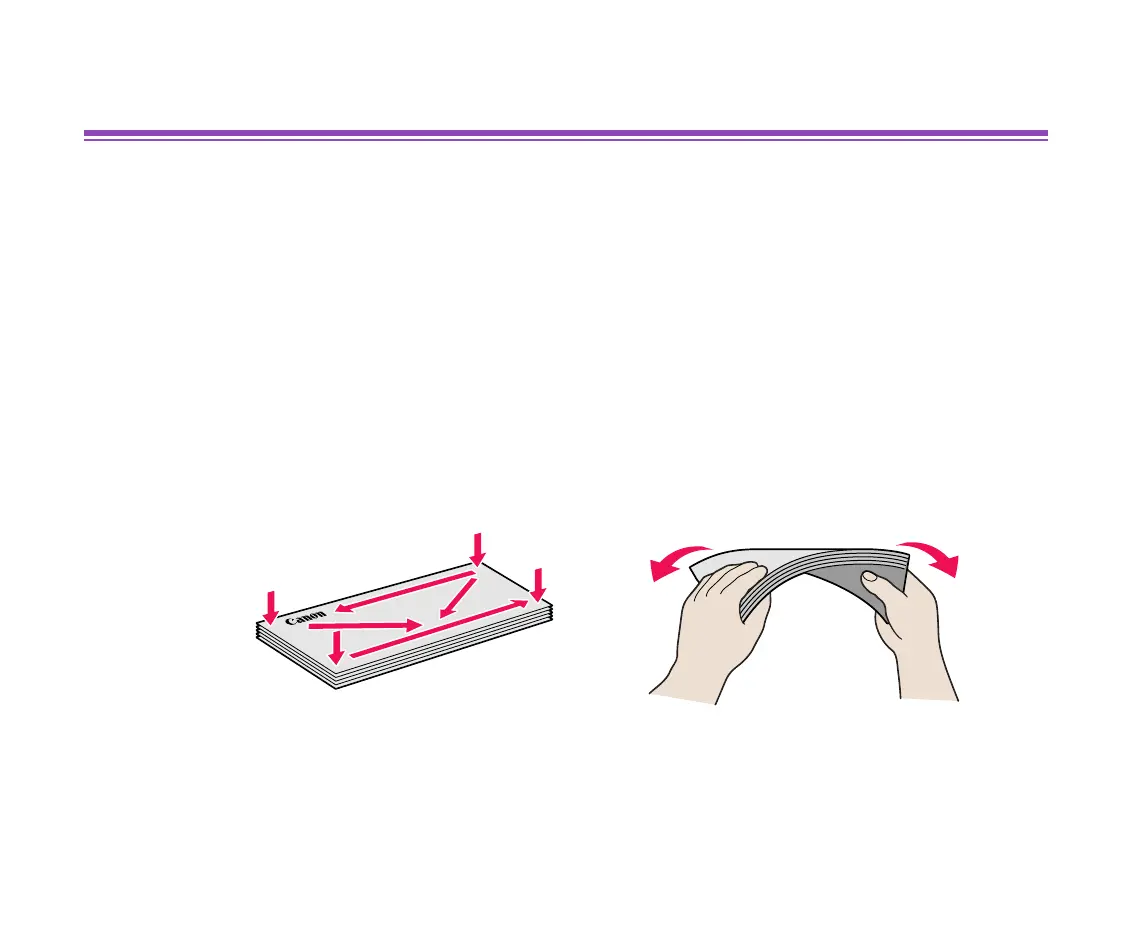
Press down on all four corners and edges of the envelopes to flatten them
as shown below.
2
If the envelopes are curled, hold the opposite corners and gently bend
them in the opposite direction.
Ensure that the flap of the envelope is perfectly straight.


 To Next Page
 Loading...