56
Advanced Settings
Procedure
Enter the REC Mode * [MENU] * “REC” Tab * L/R Key
You can assign one of the four functions listed below to the [4] and [6] keys.
* While Make-up is turned on, you will be able to use the [4] and [6] keys to select
one of the following settings: 10sec Self-timer, 2sec Self-timer, Self-timer Off. Note
that you will not be able to configure the self-timer setting with the [4] and [6] keys
while Continuous Shutter (CS) is turned on.
NOTE
• The “L/R Key” setting cannot be used together with the following features.
– Some BEST SHOT scenes
Procedure
Enter the REC Mode * [MENU] * “REC” Tab * Grid
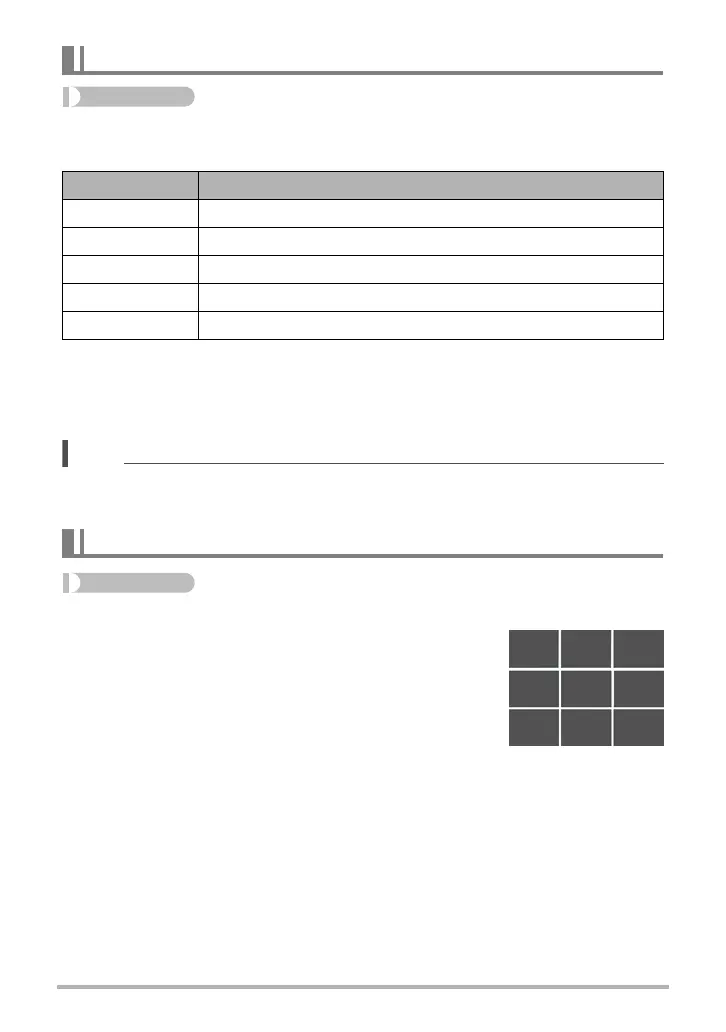
The on-screen grid can be displayed on the REC mode
monitor screen for easy vertical and horizontal alignment
when composing images.
Assigning Functions to the [4] and [6] Keys (L/R Key)
Setting [4]/[6] key operation
EV Shift Adjusts the EV shift value (page 61).
White Balance Changes the white balance setting (page 62).
ISO Changes the ISO Sensitivity setting (page 63).
Self-timer
* Sets the self-timer time (page 34).
Off Cancels [
4] and [6] key assignments.
Displaying the On-screen Grid (Grid)



 To Next Page
 Loading...