User reference guide
42
BRC0731A4
3P422724-1
Reference Information
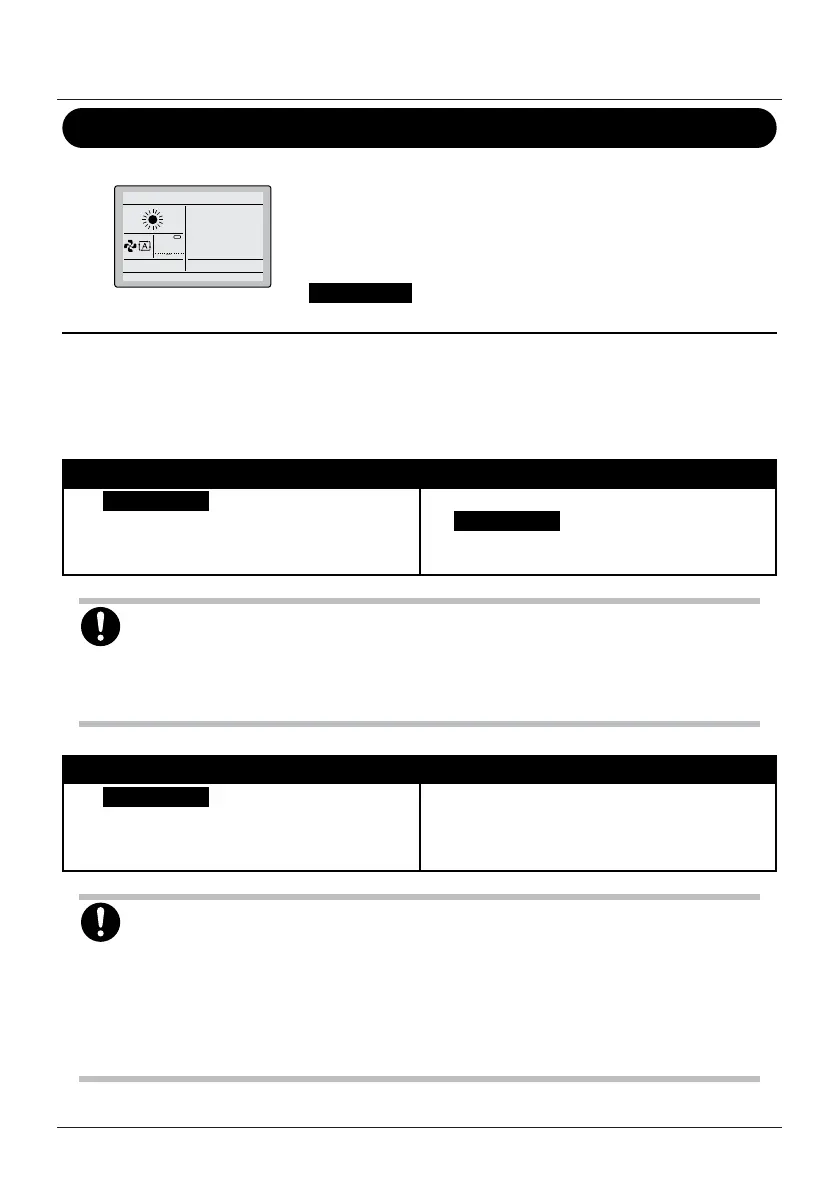
ʺMode Conictʺ message
10°C
Mode conflict
Only applicable in case of a multi system (multiple indoor units
connected to the outdoor unit). When multiple indoor units are
instructed to operate simultaneously, but in different operation
modes, an operation mode conict occurs:
• The operation lamp ashes
• Mode conict appears on the user interface
• The units that do not have priority enter standby mode
This is not a malfunction. To solve the conict, make the units that do not have priority run in the
same operation mode as that of the unit that has priority. Which unit has priority depends on whether
the Priority Room setting is present and/or active:
If... Then...
The Priority Room setting is present and
active.
The operation mode of the indoor unit to which
the Priority Room setting is applied takes
priority. In case of an operation mode conict,
the other units will enter standby mode.
NOTICE
• COOL, DRY and FAN operation can be used simultaneously.
• If the conict is not solved manually, non-priority units will automatically resume operation as
soon as the priority unit stops operating.
If... Then...
The Priority Room setting is not present OR
present but not active.
The operation mode of the indoor unit that was
turned on rst takes priority. In case of an
operation mode conict, the units that were
turned on later will enter standby mode.
NOTICE
• COOL, DRY and FAN operation can be used simultaneously.
• Units running in HEAT operation mode always have priority over units running in FAN
operation mode, even if they were not turned on rst.
• When solving the conict, it is possible to make the non-priority units run in AUTO operation
mode: they will automatically start operation in the same operation mode as that of the
priority unit.


 To Next Page
 Loading...








