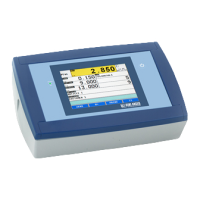
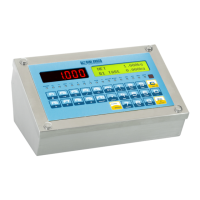
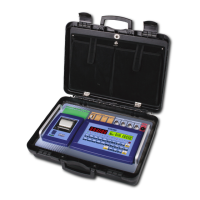
3590EKR, 3590EXP, 3590EXT, CPWE, CPWET series indicator E-AF09_02_16.03_EN_U
[In which: XXXXXX is the acquired overall weight value]
- At this point, it returns in the status of waiting for the input or output weighing cycle start.
13.3.2 AUTOMATIC STATIC AXLE WEIGHING
13.3.2.1 CONFIGURATION
- Set parameter in the SETUP: F.ModE >> totAL >> AXLE W on “STATIC”.
- If before was setted the DYNAMIC axles weighing, the indicator ask to set the filter of this weighing mode, press
FN/ENTER to confirm.
- For a correct functioning one should correctly set the weighing parameters in the F.Mode >> total >> StA.CFG
menu of the Set-up environment or by a direct function 605, linked to a key. (See the TECHNICAL MANUAL):
1.”Min.Wei” (minimum weigh of the axle);
2.”Stab.tm” (Stability interval);
3.“tiME W” (interval between cycles);
4.”Skip B.” (Beginning axles to skip);
5.“Skip E.” (Ending axles to skip);
6.”Err.En” (Axle acquisition error enable);
7.”Tim.Out” (Axle acquisition time out).
13.3.2.2 INPUT WEIGHING PROCEDURE
- Select, if requested, the customer / material / vehicle to be linked to the input weigh.
- Press the F6 key in order to start the input weigh cycle.
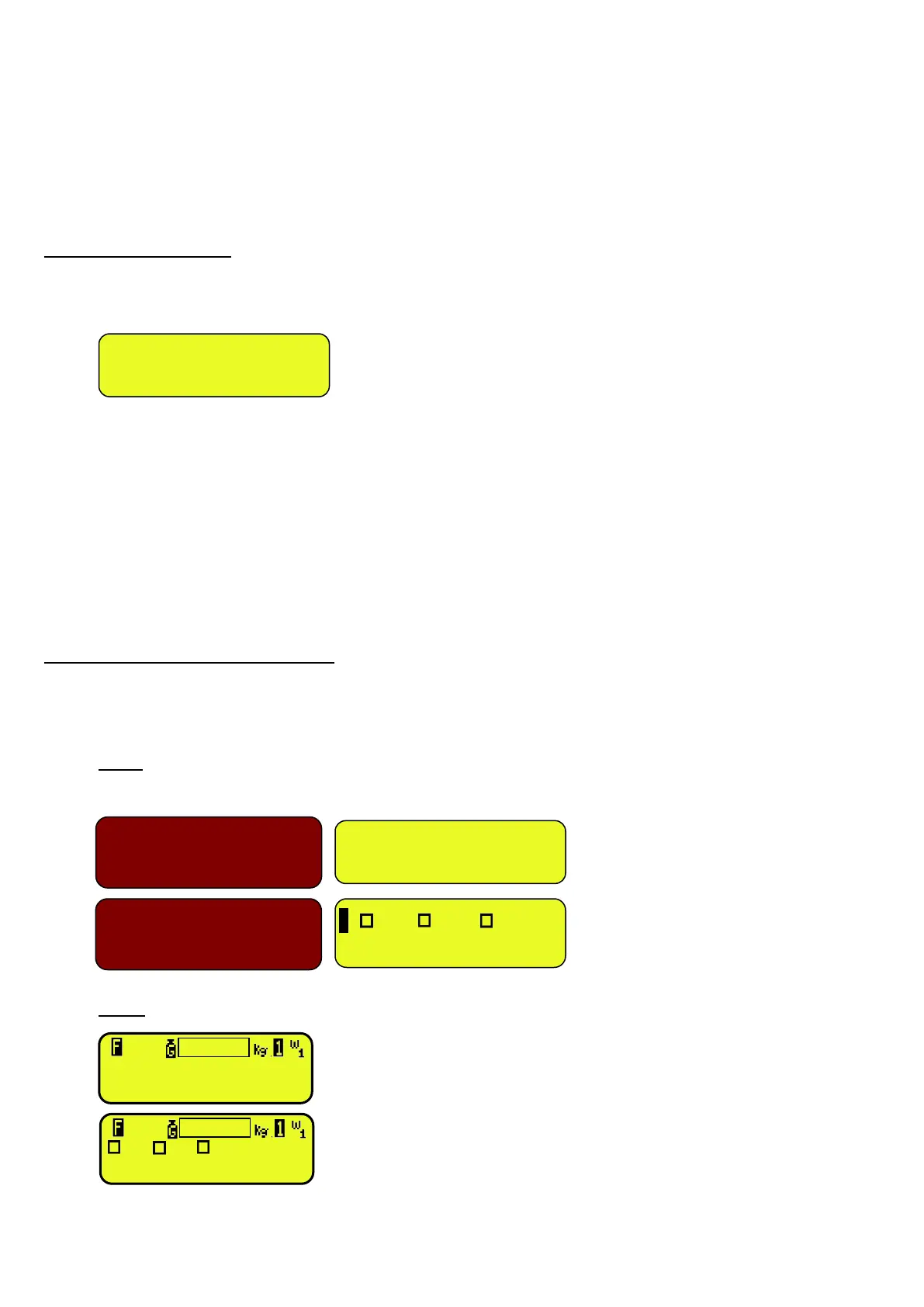
- The instrument waits for the first axle and displays:
3590E
LED display LCD display
CPWE
[In which: XXXXXX is the current weight on the scale
i means “input” weigh]
1 CUS MAT VEH
WAITING AXLE 1 i
XXXXXX
CUS MAT VEH
WAITING AXLE 1 i



 To Next Page
 Loading...