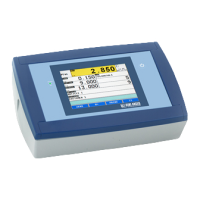
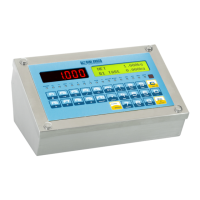
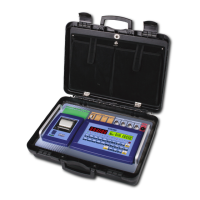
3590EKR, 3590EXP, 3590EXT, CPWE, CPWET series indicator E-AF09_02_16.03_EN_U
14.1 LINKING OF THE FORMATS TO THE PRINT FUNCTIONS
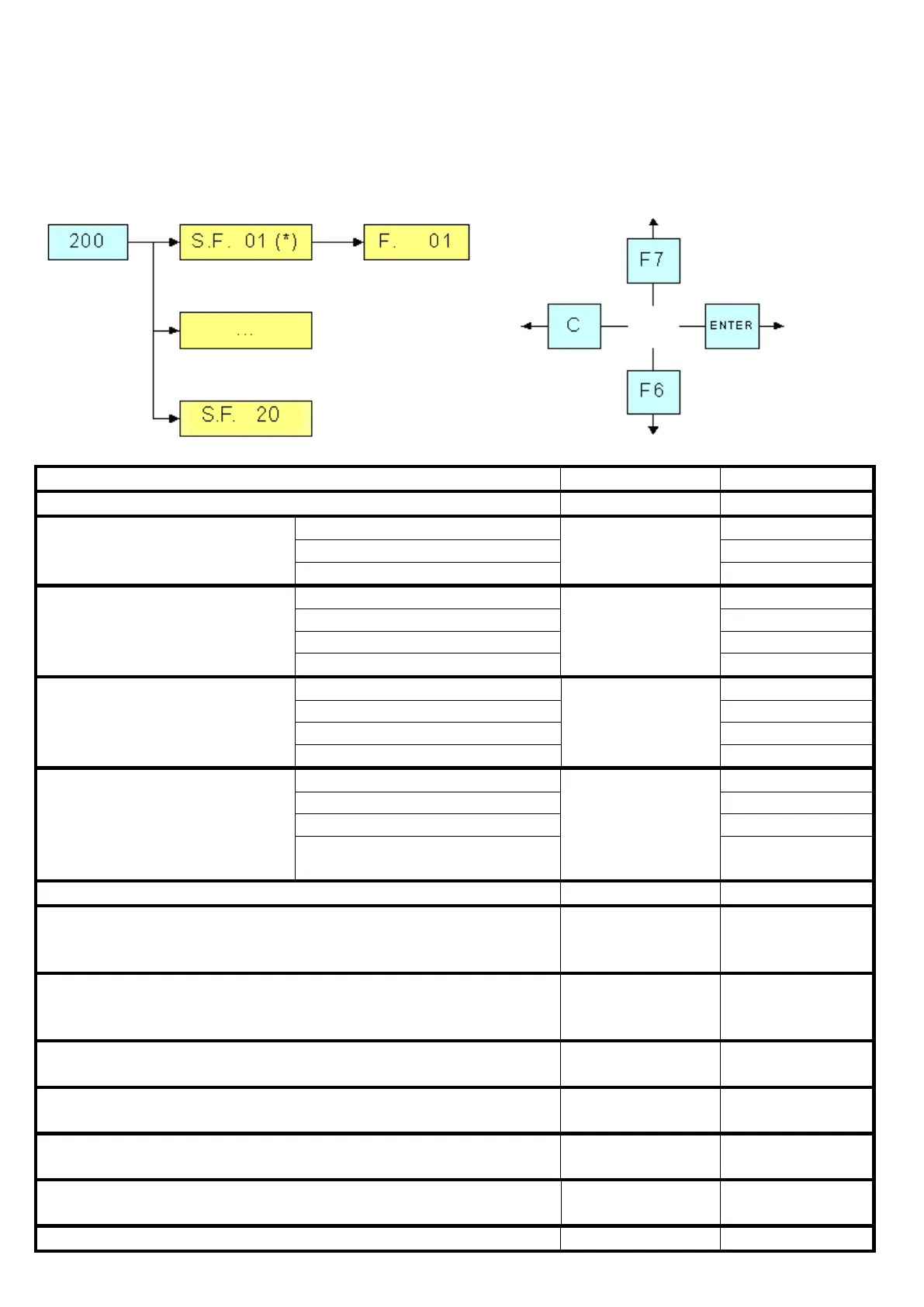
Through function 200, combinable with the desired key (<< F.KEYS >> step, TECH.MAN.REF.), one accesses the linking of
the print formats (configurable in the SEtuP >> SEriAL >> Prn.FMt step TECH.MAN.REF.) to the 12 programmable print
functions:
Print function Linked format
SIMPLE AXLE
WEIGHING REPORT
(see section 13.2)
F6
(input/output
function disabled)
INPUT AXLE
WEIGHING REPORT
(see section 13.3)
F6
(input/output
function enabled)
OUTPUT AXLE
WEIGHING REPORT
(see section 13.3)
F7
(input/output
function enabled)
REPORT OF THE INPUT/OUTPUT
WEIGHING WITH PRESET TARE
(see section 13.3.6)
F6 or F7
with Preset Tare
(input/output
function enabled)
END OF THE IN/OUT AXLE
WEIGHING WITH PRESET TARE
Function 115 to
combine with the
desired key
Function 116 to
combine with the
desired key
Automatic entry
at start-up
CALCULATOR (see section 15.3)


 To Next Page
 Loading...