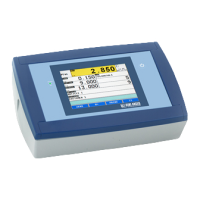
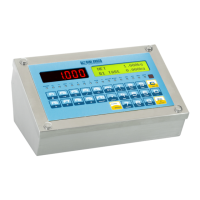
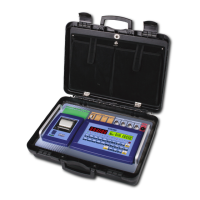
3590EKR, 3590EXP, 3590EXT, CPWE, CPWET series indicator E-AF09_02_16.03_EN_U
At this point, it returns in the status of waiting for the input or output weighing cycle start.
13.3.2.3 STARTING OUTPUT WEIGHING THROUGH ID CODE
To enable this mode, one has to set the step F.ModE >> totAL >> WEi.MEM on “Wei.Cod” in the setup (TECH.MAN.REF.).
Procedure
- Select, if requested, the customer / material / vehicle to be linked to the output weigh.
- To select the input weigh it’s possible to proceed in two ways:
1) Directly type in the ID code and press F7
2) Press F7: one enters the menu of the “open” input weighs:
LCD display
Select the desired weigh using the arrow keys .
Confirm with ENTER or press C to exit.
13.3.2.4 STARTING OUTPUT WEIGHING THROUGH LICENSE PLATE
To enable this mode, one has to set the step F.ModE >> totAL >> WEi.MEM on “PLAtE” in the setup (TECH.MAN.REF.).
Procedure
- Select, if requested, the customer / material / vehicle to be linked to the output weigh.
- Press F7, the display shows:
- Then it’s possible to proceed in two ways:
1) Enter the License Plate number and press ENTER
2) Press ENTER: one enters the menu of the “open” input weighs
LCD display
Select the desired weigh using the arrow keys .
Confirm with ENTER or press C to exit.


 To Next Page
 Loading...