3-7
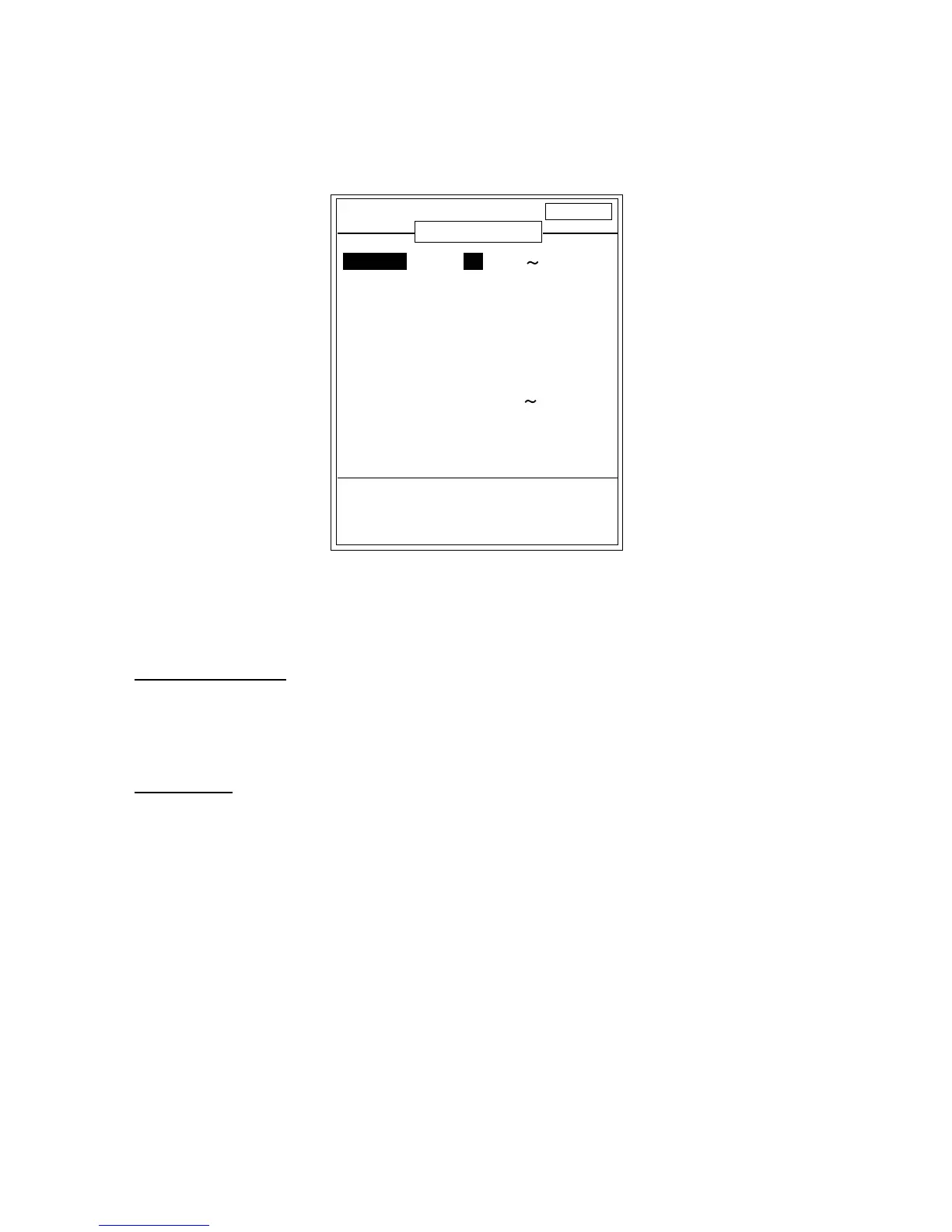
3.4 RANGE SETTING Menu
This menu allows the user to preset the range selected with the [RANGE] control.
DISP ALM TX/RX USER-1/2 SYSTEM
Set preset range scales.
[-/+]: Change set, [EXIT (knob)]: Exit
RANGE SETTING
RANGE1 : 30 ft (16 6000)
RANGE2 : 60 ft
RANGE3 : 120 ft
RANGE4 : 250 ft
RANGE5 : 500 ft
RANGE6 : 1000 ft
RANGE7 : 1600 ft
RANGE8 : 3000 ft
M/Z RANGE : 16 ft (16 600)
B/L RANGE : 16 ft
B/L DETECT : STD
SPLIT RANGE: OFF
RANGE SETTING Menu
Note: Hiro is the Japanese unit of depth measurement.
RANGE1-RANGE8
Presets basic ranges for the [RANGE] switch. (5-2000 m, 16-6000 ft, 2-1200 fa, 4-1600 hiro,
3-1200 P/B)
M/Z RANGE
Sets display range of marker zoom and bottom zoom pictures. (5-200 m, 16-600 ft, 2-120 fa,
4-160 hiro, 3-120 P/B)
Note: For the vertical split screen, halve the above values.


 To Next Page
 Loading...












